
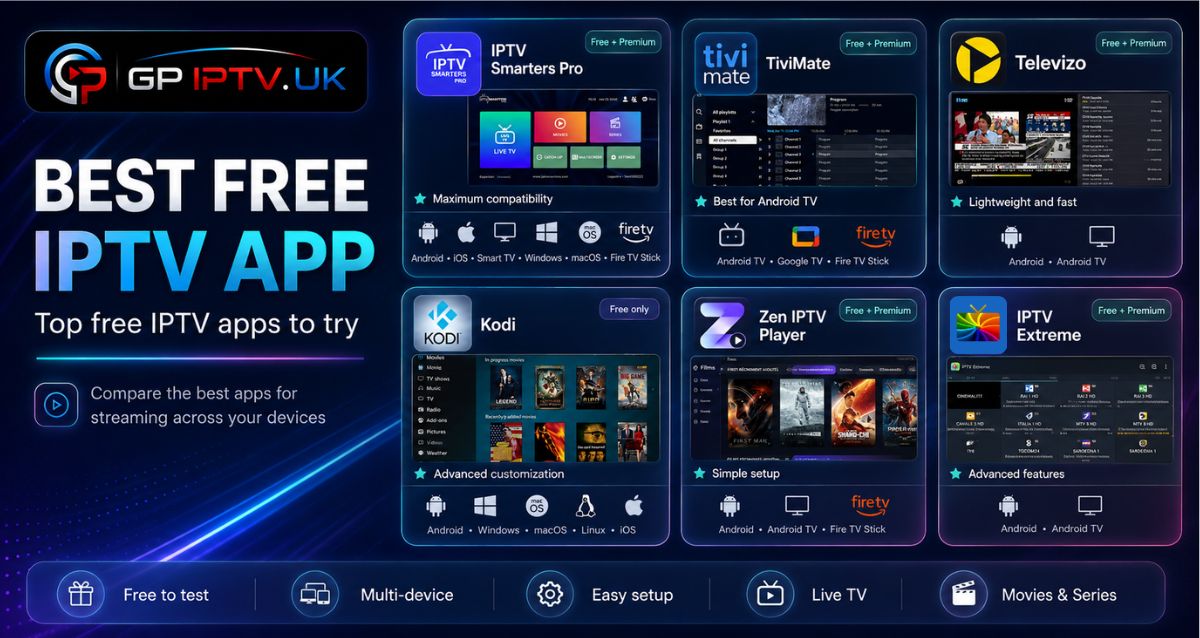
Not every IPTV player is worth installing. Some lack essential features, while others are limited to a single platform or offer an inconsistent viewing experience.
After comparing the most popular options, we’ve selected the best free IPTV apps that stand out for their reliability, device compatibility, and everyday usability. Explore our recommendations and find the player that matches the way you watch TV.
Table of Contents
What Is a Free IPTV App?
A free IPTV app is a media player that allows users to stream IPTV content by loading a playlist or login details provided by an IPTV service. It does not include TV channels or subscriptions by itself; it simply organizes and plays the content available through sources such as M3U playlists or Xtream Codes API.
Most IPTV players offer useful features to improve the viewing experience, including:
- Support for M3U playlists and Xtream Codes.
- Access to live TV channels, movies, and series.
- Electronic Program Guide (EPG) for checking schedules.
- Compatibility with devices such as Android TV, Firestick, Smart TV, and PC.
- Extra options like favorites, parental controls, and playlist management.
Choosing the right free IPTV app mainly depends on your device, the features you need, and how you prefer to watch your IPTV content.
Best Free IPTV Apps: Our Top Picks
Choosing the right IPTV player can be challenging with so many options available. We have selected the best free IPTV apps by focusing on key factors such as compatibility, features, and overall usability to help you find the right option faster.
TiviMate
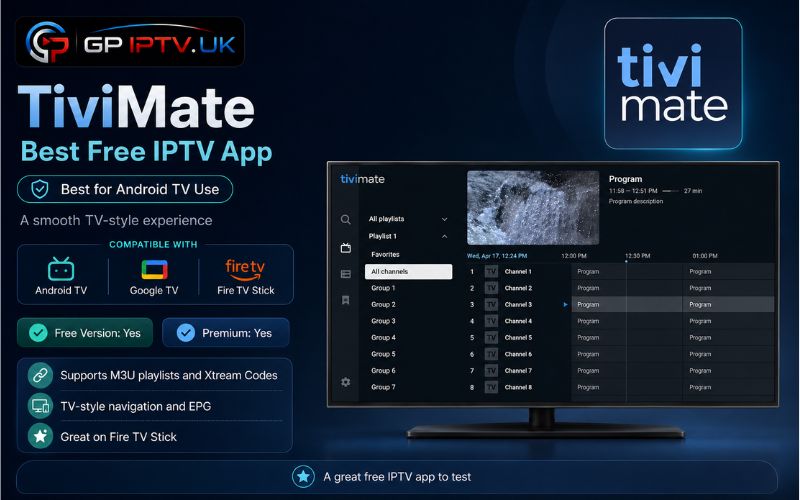
TiviMate is a popular free IPTV player designed mainly for Android TV users who want a TV-like viewing experience. It supports M3U playlists and offers a clean interface that makes it easy to manage channels, categories, and the Electronic Program Guide (EPG).
The app is especially appreciated on devices such as Android TV, Google TV, and Fire TV Stick thanks to its remote-friendly design. A Premium version is also available, adding advanced features like multiple playlists, recording options, and extra customization tools.
✅ Pros
- Optimized for large screens and TV remotes.
- Supports M3U playlists and EPG guides.
- Offers advanced channel organization.
- Includes a modern TV-style interface.
- Premium version adds extra useful features.
❌ Cons
- Some advanced tools require a Premium subscription.
- Not available for all operating systems.
- Requires an IPTV playlist or service to access content.
IPTV Smarters Pro
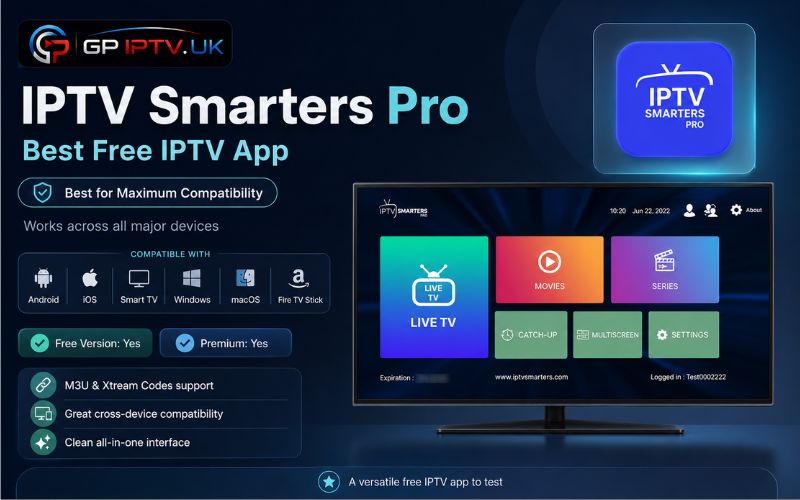
IPTV Smarters Pro is a versatile IPTV player app that allows users to access their IPTV content across multiple devices. It supports M3U playlists and Xtream Codes API, making it a practical choice for watching live channels, movies, and series from a single interface.
The application is available on several platforms, including Android, iOS, Smart TVs, Windows, macOS, and Fire TV Stick. It also includes useful features such as EPG support, favorites management, and content organization for a more personalized viewing setup.
✅ Pros
- Works on a wide range of devices.
- Supports M3U playlists and Xtream Codes.
- Includes live TV, VOD, and series sections.
- Offers EPG and favorites features.
- Simple setup for new IPTV users.
❌ Cons
- Some features may vary depending on the platform.
- Requires an external IPTV service to access content.
- Premium options are available for additional features.
Kodi
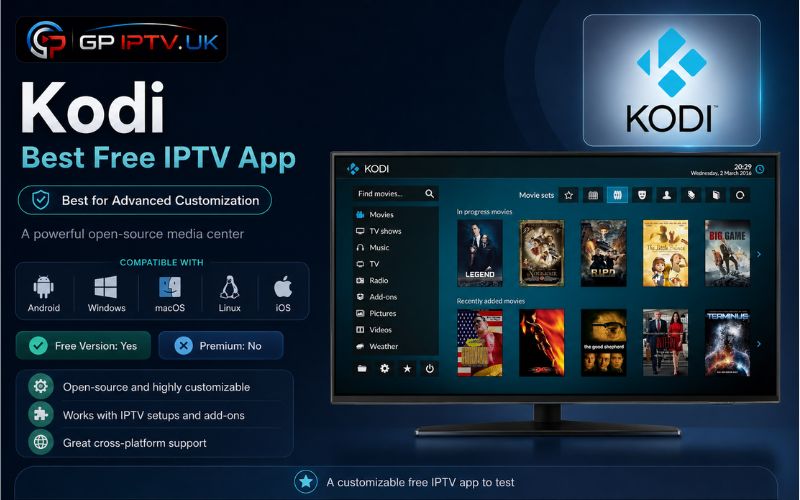
Kodi is a free IPTV app known for its flexibility and powerful media features. Originally created as a multimedia center, it can also be used to stream IPTV content by adding compatible add-ons and loading playlists such as M3U files.
Unlike traditional IPTV players, Kodi offers a high level of customization. Users can adjust the interface, install extensions, and manage different types of media from one platform. It is available on various systems, including Android, Windows, macOS, and Linux.
✅ Pros
- Completely free and open-source software.
- Supports IPTV through compatible add-ons.
- Works across multiple operating systems.
- Offers extensive customization options.
- Handles different media formats in one place.
❌ Cons
- Initial setup can be more complicated for beginners.
- Requires additional configuration for IPTV use.
- Some features depend on third-party add-ons.
Televizo
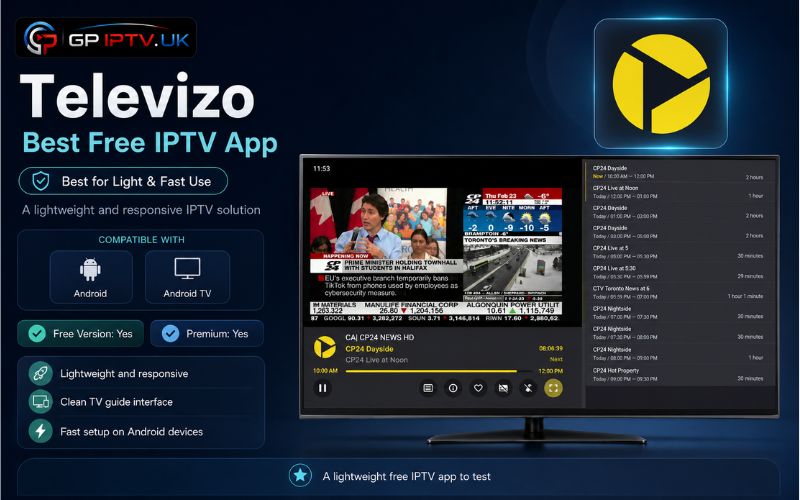
Televizo is a free IPTV app for Android that focuses on simplicity and efficient playlist management. It allows users to add their IPTV credentials through M3U playlists or Xtream Codes, giving access to live channels, movies, and series in an organized interface.
The app is designed for Android smartphones and Android TV devices, with useful tools such as EPG support, favorites, and category organization. It is a suitable option for users who prefer a lightweight player without unnecessary complexity.
✅ Pros
- Easy setup and straightforward navigation.
- Supports M3U playlists and Xtream Codes.
- Includes EPG and favorites management.
- Lightweight and suitable for Android devices.
- Organizes channels and VOD content efficiently.
❌ Cons
- Limited to Android-based devices.
- Some advanced options require the premium version.
- Performance depends on the IPTV source used.
IPTV Extreme
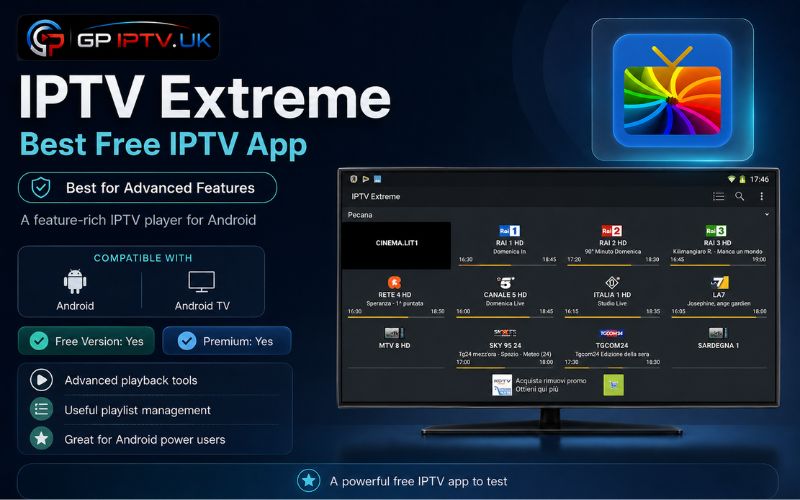
IPTV Extreme is a free IPTV player built for Android users who want more control over their channel lists and viewing settings. The app supports M3U playlists and provides useful tools to organize live TV channels, movies, and series according to personal preferences.
Beyond basic playback, IPTV Extreme includes practical features such as favorites, parental control, EPG support, and playlist management. It is a good option for users looking for a flexible player with additional customization options.
✅ Pros
- Advanced tools for managing IPTV playlists.
- Includes parental control and favorites.
- Supports EPG information for TV schedules.
- Offers recording features on compatible setups.
- Allows better organization of channels and categories.
❌ Cons
- Available mainly on Android devices.
- Free version includes advertisements.
- Interface may feel less modern compared to newer IPTV players.
Zen IPTV Player
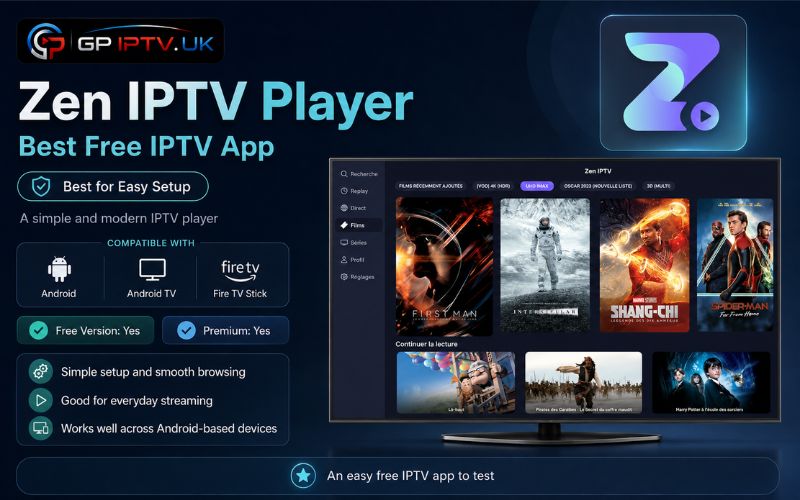
Zen IPTV Player is a free IPTV streaming app designed for users who want a quick and straightforward IPTV setup. It supports both M3U playlists and Xtream Codes, allowing you to access live TV, movies, and series through a clean and organized interface.
Available on Android, Android TV, and Fire TV Stick, the app focuses on smooth navigation and simple content management. A Premium version is also available for users who want additional features and greater flexibility.
✅ Pros
- Quick and easy IPTV setup.
- Supports M3U playlists and Xtream Codes.
- Clean layout for browsing live TV and VOD.
- Compatible with Android phones, Android TV, and Fire TV Stick.
- Premium version unlocks extra features.
❌ Cons
- Some advanced options require the Premium version.
- Not available on every operating system.
- Requires a valid IPTV playlist or provider.
Conclusion
A good IPTV app should make your daily streaming easier, not more complicated. After reviewing these different options, it becomes clear that every player has its own purpose, from simple playback to advanced content management. The best free IPTV apps are the ones that provide the right balance between features, compatibility, and ease of use.
| IPTV App | Best For | Supported Devices | Premium Version |
|---|---|---|---|
| TiviMate | Android TV streaming | Android TV, Google TV, Fire TV Stick | Available with advanced features and extra customization options |
| IPTV Smarters Pro | Multi-device users | Android, iOS, Smart TV, Windows, macOS, Fire TV Stick | Offers additional features depending on the platform |
| Kodi | Advanced customization | Windows, macOS, Linux, Android | No premium version, fully open-source |
| Televizo | Simple IPTV setup | Android, Android TV | Includes extra features with the Premium version |
| IPTV Extreme | Advanced IPTV management | Android, Android TV | Unlocks additional tools and removes ads |
| Zen IPTV Player | Fast and easy setup | Android, Android TV, Fire TV Stick | Adds more features with the Premium version |
FAQ
Can a free IPTV app work without an IPTV subscription?
No, a free IPTV app is only a player used to read and organize content. You still need a valid IPTV source, such as an M3U playlist or Xtream Codes details, to access channels and other content.
Do all free IPTV apps support 4K streaming?
Not necessarily. The application only plays the stream; the final quality depends on the IPTV source, server capacity, device performance, and your internet connection.
Why does the same IPTV playlist work better on one app than another?
Each IPTV player handles buffering, decoding, and playlist management differently. A playlist may perform better on an app that is better optimized for your device.
Is a paid IPTV player always better than a free IPTV app?
Not always. Premium versions usually add extra tools and customization, but many free IPTV apps already provide the essential features needed for everyday use.