
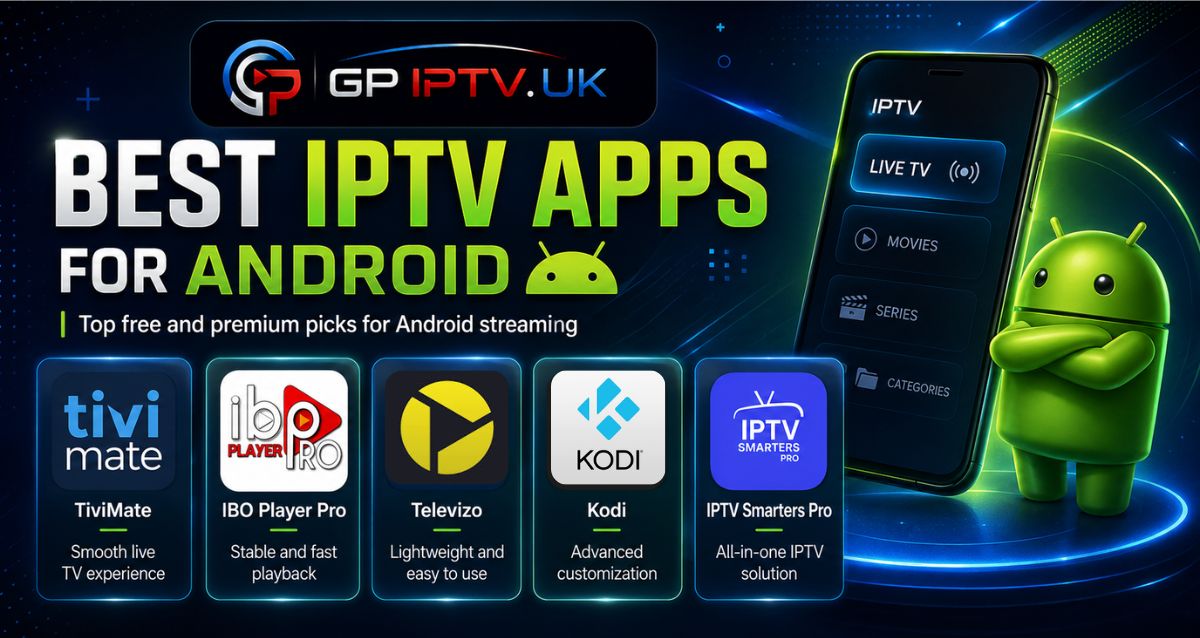
With dozens of IPTV solutions available for Android devices, choosing the right app can quickly become confusing. Some players focus on simplicity, while others offer advanced features for users who want more control over their streaming experience.
This comparison highlights the best IPTV apps Android users can try, with a closer look at their features, compatibility, and main differences to help you understand what makes each player unique.
How to Choose the Right IPTV App for Android?
Before choosing an IPTV app, it is worth checking a few important points to avoid installing a player that does not match your needs.
Here are the main criteria to consider:
- Device compatibility: Make sure the app works properly on your Android smartphone, Android TV, or Android box.
- Supported formats: Check if the player supports common formats such as M3U playlists or Xtream Codes.
- Available features: Look for useful options like EPG support, favorites, parental controls, or multiple playlist management.
- Ease of setup: A good IPTV app should offer a simple configuration process, even for beginners.
Our Top Picks of The Best IPTV Apps Android
Explore the best IPTV player Android options selected for their features, compatibility, and ease of use. Each app offers a different experience depending on your streaming preferences and device.
IPTV Smarters Pro
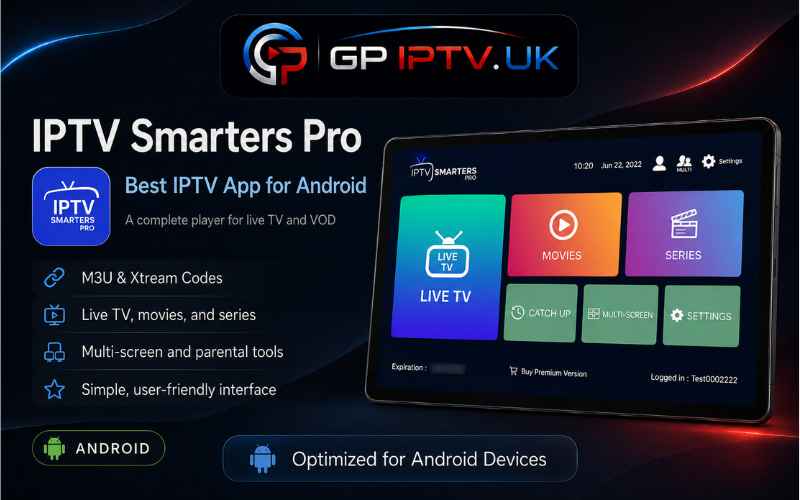
IPTV Smarters Pro is one of the most recognized IPTV apps for Android, offering a practical way to access IPTV content through different connection methods. The app supports M3U playlists and Xtream Codes, making it compatible with many IPTV services.
Its main strength is versatility. Users can watch live TV channels, movies, and series from one application while managing their content in a simple way. It is a suitable choice for beginners as well as users looking for a multi-platform IPTV player.
Pros
- Supports M3U playlists and Xtream Codes.
- Available on multiple devices and platforms.
- Includes live TV, movies, and series sections.
- Free version available for basic use.
Cons
- Some advanced features require the Premium version.
- Customization options are more limited compared to some advanced players.
- Performance can depend on the IPTV service and device used.
IBO Player Pro
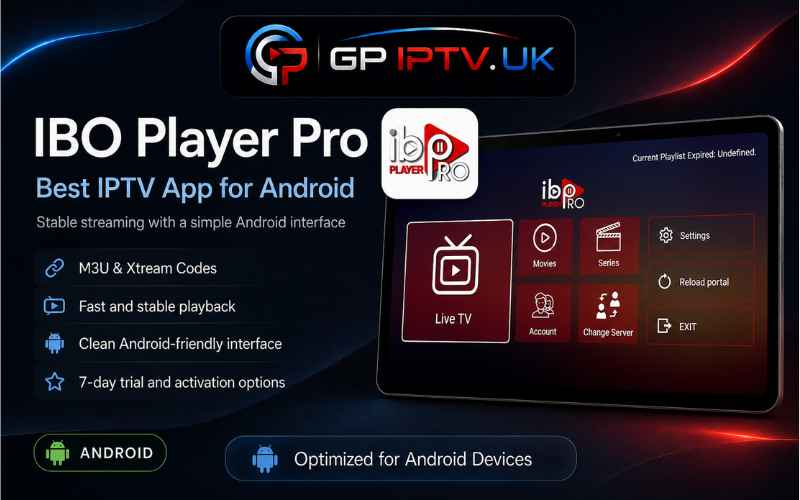
IBO Player Pro is a modern IPTV player for Android designed for users who want a clean interface and a quick setup process. The application allows you to add your IPTV details through M3U playlists or Xtream Codes, making the initial configuration straightforward.
Unlike free IPTV players that include many built-in settings, IBO Player Pro focuses on a simple viewing experience with a lightweight design. After the trial period, users can activate the application with a paid license depending on their needs.
Pros
- Simple activation process.
- Supports M3U playlists and Xtream Codes.
- Modern and clean interface.
- Available with different license options.
- Suitable for users who prefer a minimal setup.
Cons
- Requires payment after the trial period.
- Limited advanced customization compared to some premium players.
- Does not include IPTV content or channels.
Kodi
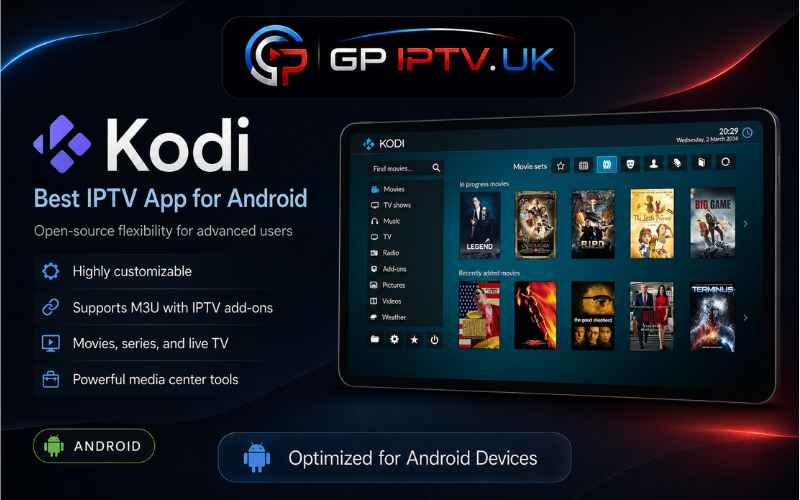
Kodi takes a different approach compared to traditional IPTV apps for Android. It is a complete media center that allows users to manage different types of content through a customizable platform.
To use IPTV features on Kodi, users usually need to configure an IPTV add-on such as PVR IPTV Simple Client. This gives more flexibility and control, but the initial setup may require more steps compared to dedicated IPTV players.
Pros
- Completely free and open-source.
- Highly customizable with different add-ons.
- Supports various media formats.
- Available on multiple operating systems.
- Offers advanced settings for experienced users.
Cons
- IPTV setup is more complex for beginners.
- Requires additional add-ons for IPTV functionality.
- The interface may feel less straightforward for new users.
TiviMate
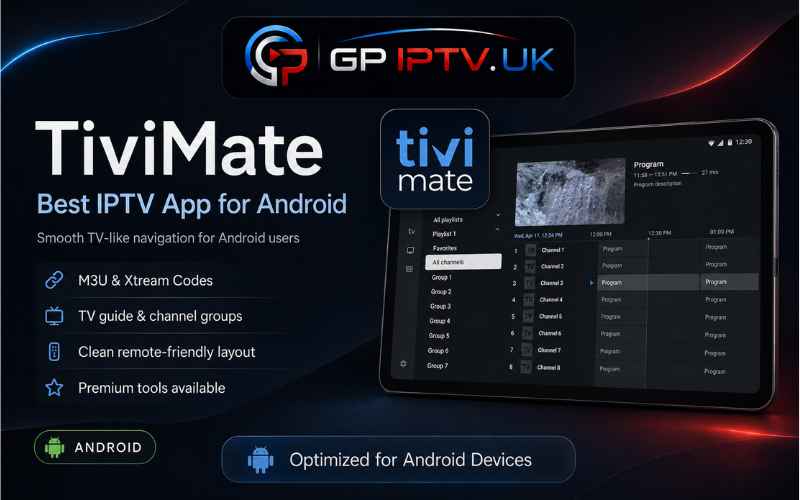
TiviMate is a popular Android TV IPTV player built for users who want a more organized way to manage their IPTV playlists. Its interface is designed mainly for large screens, offering a TV-like experience with features focused on channel management.
The free version allows users to explore the application, while TiviMate Premium unlocks additional tools such as multiple playlist support, advanced settings, and extra customization options. It is especially appreciated by Android TV users who prefer more control over their viewing setup.
Pros
- Designed specifically for Android TV devices.
- Advanced playlist management.
- Supports EPG and channel organization.
- Premium version with additional features.
- Offers a traditional TV-style interface.
Cons
- Many advanced features are locked behind TiviMate Premium.
- Not the best option for smartphone users.
- Requires some time to understand all available settings.
Televizo
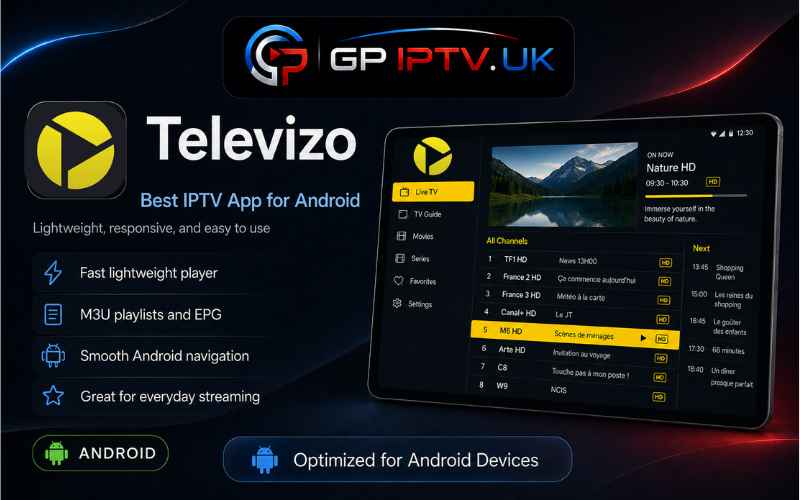
Televizo is a lightweight IPTV app for Android designed for users who prefer a simple and straightforward way to manage their IPTV playlists. The application focuses on essential features while keeping the setup process accessible for everyday users.
It supports common IPTV formats and offers a free version with basic functions. Users who want extra tools can upgrade to Televizo Premium, which adds additional options to improve the overall experience.
Pros
- Simple setup suitable for beginners.
- Works on Android smartphones and Android TV.
- Supports IPTV playlists.
- Premium version available with extra features.
- Lightweight application with essential tools.
Cons
- Premium trial is limited to 1 hour.
- Some useful features require the paid version.
- Fewer advanced options compared to more complete IPTV players.
Conclusion
Choosing the best IPTV apps Android is not about picking the app with the most features, but finding the one that fits your way of watching IPTV. A good player should make content access easier while offering the right tools without unnecessary complexity.
| IPTV App | Price | Best For | Key Features | Compatibility |
|---|---|---|---|---|
| IPTV Smarters Pro | Free / Premium | Beginners and multi-device users | M3U playlists, Xtream Codes, live TV, movies & series | Android, Android TV, other platforms |
| IBO Player Pro | Trial + Paid license | Users looking for a simple setup | Modern interface, M3U support, Xtream Codes, quick activation | Android devices, compatible Smart TVs |
| Kodi | Free | Advanced users | Open-source platform, add-ons, media management | Android and multiple systems |
| TiviMate | Free / Premium | Android TV users | EPG support, playlist management, channel organization | Android TV devices |
| Televizo | Free / Premium | Simple IPTV usage | Lightweight design, playlist support, basic IPTV features | Android smartphones and Android TV |
FAQ
What is the best IPTV app for Android TV?
The best option depends on the features you need. Apps like TiviMate are popular among Android TV users because they focus on channel organization, EPG support, and a TV-style interface, while other players offer more flexibility across different devices.
Are IPTV apps for Android free to use?
Many IPTV apps offer free versions with basic features, while some advanced options require a Premium version. The application itself usually works as a player, meaning you need your own compatible IPTV source to load content.
Why is my IPTV app buffering on Android?
Buffering can happen because of several reasons, including internet speed, device performance, playlist issues, or problems with the IPTV service being used. Checking each part of the setup can help identify the cause.
Can I use the same IPTV app on multiple Android devices?
It depends on the application and its license system. Some players allow installation on multiple devices, while Premium versions may have specific activation limits or account restrictions.