
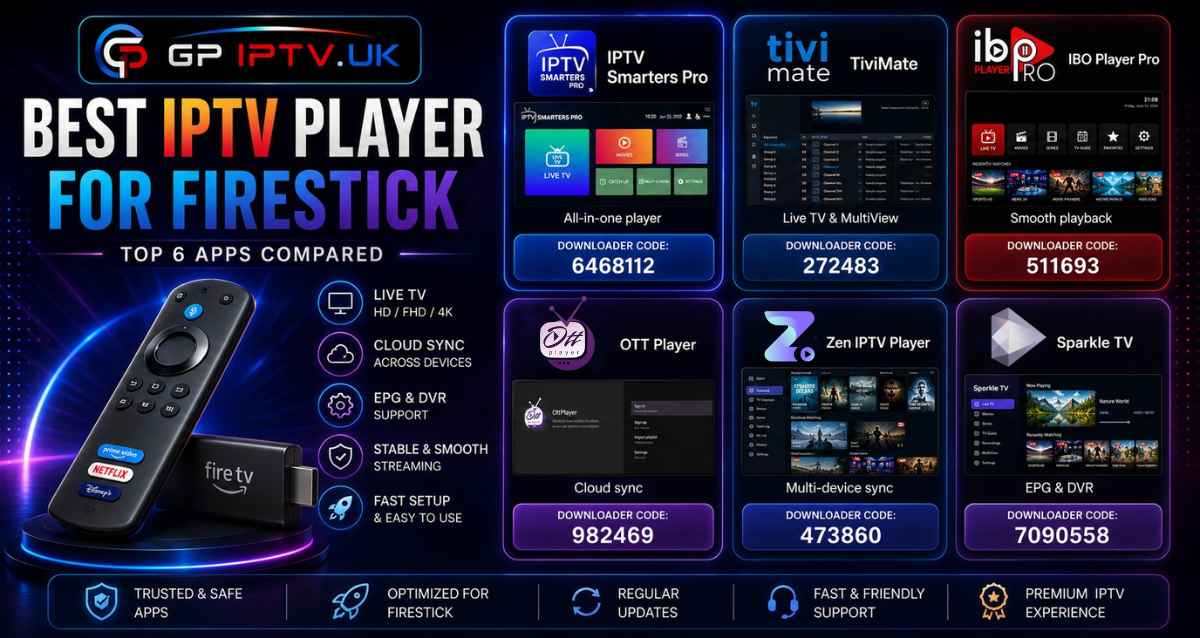
A slow IPTV player can quickly become frustrating. Long loading times, messy playlists, and laggy navigation make watching TV less enjoyable. We tested the most popular apps to find the Best IPTV Player for Firestick based on how they perform in real everyday use.
Table of Contents
How to Choose the Best IPTV Player for Firestick
Two IPTV players may support the same playlist, yet feel completely different once you start using them. Speed, navigation, and playlist management often matter more than a long list of features.
Before installing an IPTV Player on Firestick, check these points:
- Playlist support: M3U playlists and Xtream Codes are the most widely supported formats.
- Navigation: Browsing channels should feel smooth with the Firestick remote.
- EPG: A built-in TV guide makes live TV much easier to follow.
- Updates: Active development helps keep the app compatible with new Fire OS versions.
- Performance: Large playlists shouldn’t slow the app down.
Best IPTV Player for Firestick
Some apps focus on live TV, while others give you more control over playlists and settings. Here are the players that performed the best during our testing.
Sparkle TV
Sparkle TV is one of Best IPTV Player for Firestick that balances simplicity with advanced viewing tools. The interface stays responsive, channels are easy to browse, and everything is laid out in a way that feels natural with the Firestick remote.
It supports M3U playlists, Xtream Codes, and XMLTV, making it compatible with most IPTV services. The free version covers everyday viewing, while Sparkle TV Plus adds DVR recording, Timeshift, VOD, MultiView, multiple playlist support, favorites, and parental controls. Pricing starts at $1.49/month, $7.99/year, or $20.99 for a lifetime license.
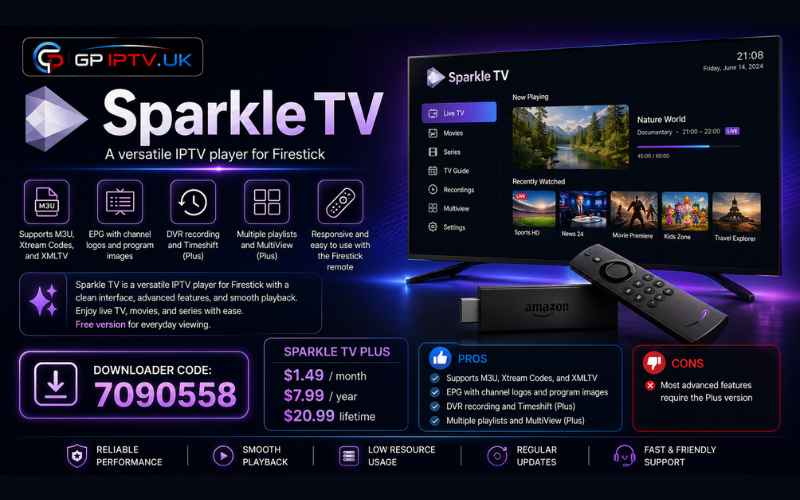
Downloader Code: 7090558
Pros
- ✅ Supports M3U, Xtream Codes, and XMLTV
- ✅ EPG with channel logos and program images
- ✅ DVR recording and Timeshift (Plus)
- ✅ Multiple playlists and MultiView (Plus)
Cons
- ❌ Most advanced features require the Plus version
TiviMate
TiviMate feels closer to a cable TV receiver than a typical IPTV app. Channels are neatly organized, menus respond quickly, and browsing with the remote feels natural instead of clunky.
It supports M3U playlists and Xtream Codes. The free version covers live TV, while TiviMate Premium adds recording, MultiView, multiple playlists, and a 7-day free trial. One subscription can be used on up to five devices.
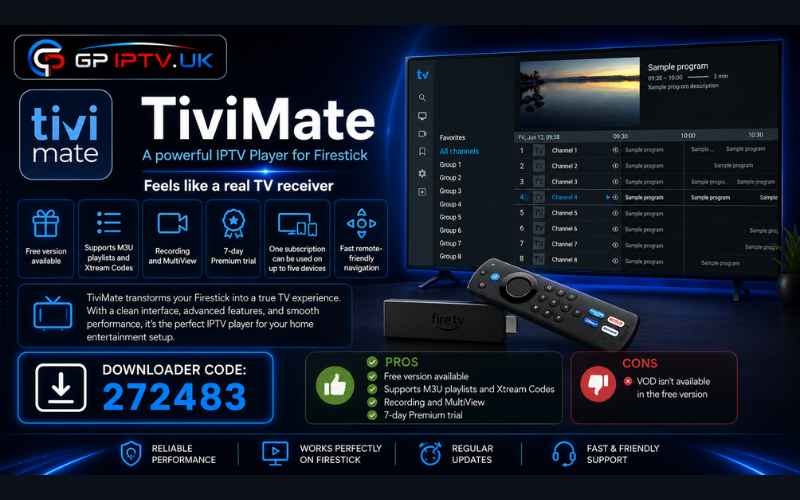
Downloader Code: 272483
Pros
- ✅ Free version available
- ✅ Supports M3U playlists and Xtream Codes
- ✅ Recording and MultiView
- ✅ 7-day Premium trial
Cons
- ❌ VOD isn’t available in the free version
IBO Player
IBO Player puts playback first. Streams keep running smoothly during short connection drops, making it a dependable choice for daily use.
The app works with M3U playlists and Xtream Codes and includes a 7-day free trial. After that, you can activate it with a €10 lifetime license or €5 yearly plan. Its built-in buffering system helps reduce interruptions without requiring any extra setup.
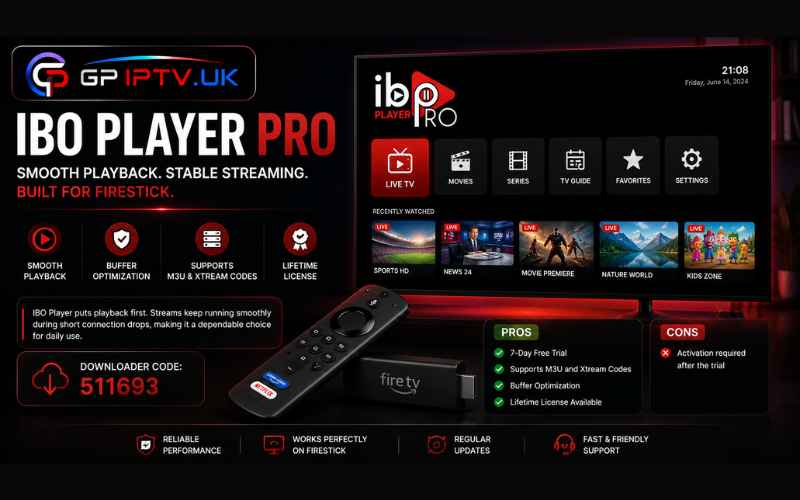
Downloader Code: 511693
Pros
- ✅ 7-day free trial
- ✅ Supports M3U and Xtream Codes
- ✅ Buffer optimization
- ✅ Lifetime license available
Cons
- ❌ Activation required after the trial
IPTV Smarters Pro
IPTV Smarters Pro keeps live TV, movies, series, and catch-up content neatly separated, so moving between sections takes only a few clicks. The layout stays clean even when multiple playlists are added.
It accepts M3U playlists, Xtream Codes, and local playlist files. You’ll also find EPG, Multi Screen, favorites, parental controls, and support for Catch-up TV when your IPTV provider includes it.
Downloader Code: 6468112
Pros
- ✅ Free to use
- ✅ M3U and Xtream Codes support
- ✅ EPG and Multi Screen
- ✅ Favorites and parental controls
Cons
❌ Xtream Codes usually provide a more stable connection than standard M3U playlists
OTT Player
OTT Player keeps things simple from the start. Add your M3U playlist, and your channels are ready without digging through dozens of settings. The interface stays clean, making it easy to move around with the Firestick remote.
A cloud sync feature saves your playlists online, so you can sign in on another device and continue with the same setup. Unlike some IPTV players, OTT Player doesn’t include TV channels or on-demand content. It only plays the playlist you add yourself.
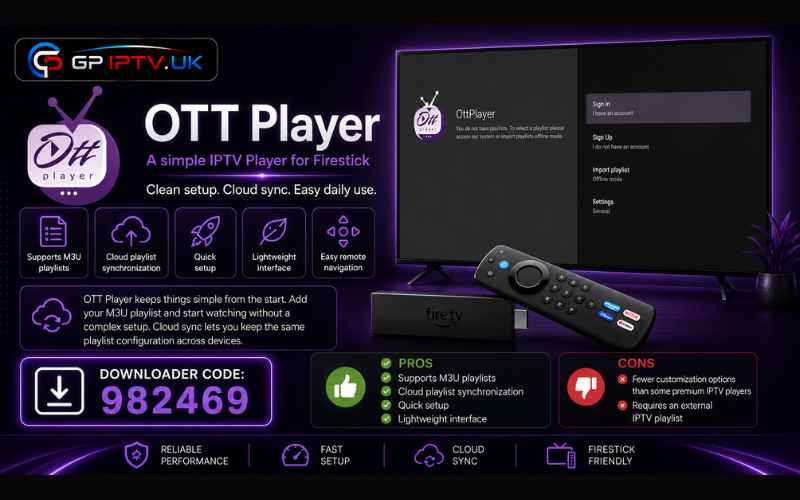
Downloader Code: 982469
Pros
- ✅ Supports M3U playlists
- ✅ Cloud playlist synchronization
- ✅ Quick setup
- ✅ Lightweight interface
Cons
- ❌ Fewer customization options than some premium IPTV players
- ❌ Requires an external IPTV playlist
Zen IPTV Player
Zen IPTV Player is built for people who don’t always watch IPTV on the same device. Your playlists, watch history, and user profiles stay synchronized, so switching between devices doesn’t mean starting from scratch.
The player supports both M3U playlists and Xtream Codes. The free version covers the basics, while Zen IPTV Player Premium unlocks additional features for €2.99/month, €16.99/year, or a €26.99 lifetime license.
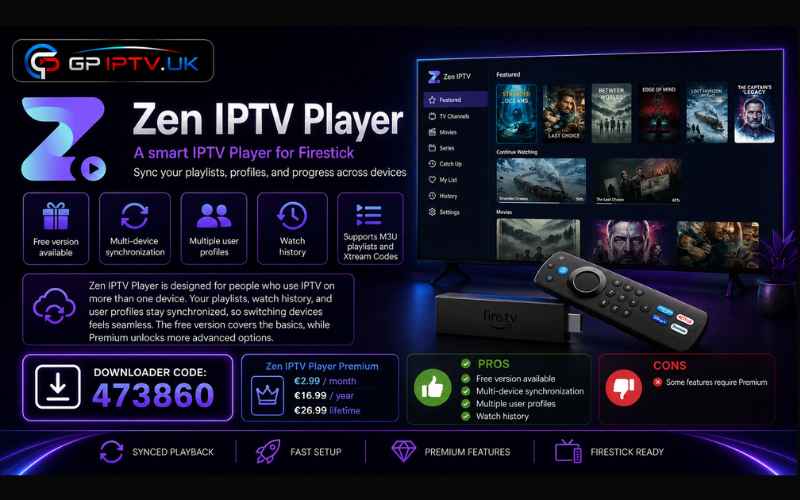
Downloader Code: 473860
Pros
- ✅ Free version available
- ✅ Multi-device synchronization
- ✅ Multiple user profiles
- ✅ Watch history
Cons
- ❌ Some features require Premium
Conclusion
A better IPTV player won’t change your subscription, but it can completely change how it feels to use every day. Faster navigation, cleaner menus, and reliable playlist management make a noticeable difference.
If you’re choosing a Best IPTV Player for Firestick, focus on the app that matches the way you actually watch TV, rather than the one with the longest list of features.
Comparison Table
| IPTV Player | Price | Playlist Support | Downloader Code | Best For |
|---|---|---|---|---|
| Sparkle TV | Free / Plus ($1.49/month, $7.99/year, $20.99 lifetime) | M3U, Xtream Codes, XMLTV | 7090558 | DVR, Timeshift, MultiView, and multiple playlists |
| TiviMate | Free / Premium | M3U, Xtream Codes | 272483 | Live TV, recording, and MultiView |
| IBO Player | 7-day trial, €5/year or €10 lifetime | M3U, Xtream Codes | 511693 | Stable playback and buffer management |
| IPTV Smarters Pro | Free | M3U, Xtream Codes | 6468112 | Managing multiple IPTV accounts |
| OTT Player | Free | M3U | 982469 | Cloud playlist synchronization |
| Zen IPTV Player | Free / Premium | M3U, Xtream Codes | 473860 | Multi-device sync and user p |
FAQ
Why do some IPTV players load the same playlist faster than others?
Playlist loading depends on how each app processes channel data and images. Large playlists with thousands of channels can open much faster on players that use local caching.
Does using Xtream Codes improve picture quality compared to M3U?
No. Video quality comes from your IPTV provider. Xtream Codes mainly improve account management, EPG integration, and playlist updates.
Why does my EPG work in one IPTV player but not another?
Some players require the EPG source to match the playlist exactly. If the guide format isn’t fully supported, channels may work normally while the TV guide stays empty.
Can changing my IPTV player reduce buffering?
Sometimes. A player with better cache management may handle short connection drops more smoothly, but it can’t fix problems caused by an overloaded IPTV server or a slow internet connection.