
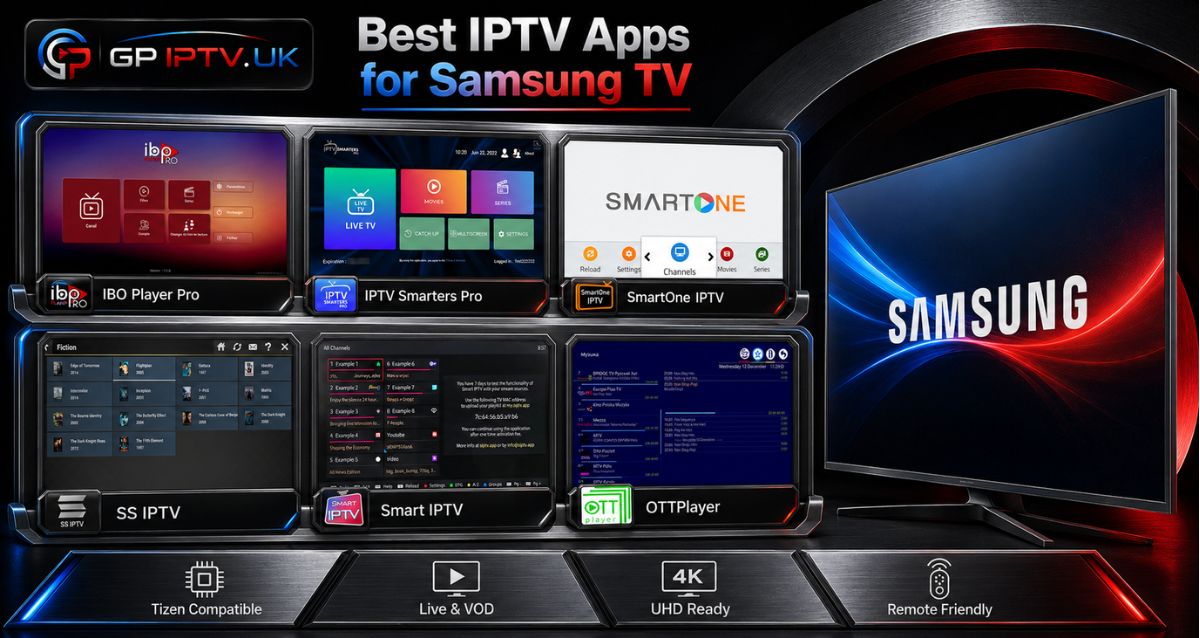
Finding the right IPTV player for a Samsung TV can be harder than it looks. Some apps focus on a clean and simple experience, while others offer more tools for playlists, live channels, movies and series. Pricing and setup methods can also vary considerably from one player to another.
In this guide, we compare the Best IPTV apps for Samsung TV based on compatibility, playlist support, features, ease of use and pricing, so you can see which one fits your needs best.
Table of Contents
On what basis did we rank these IPTV apps for Samsung TV?
We did not rank these players simply by counting their features. We looked at the aspects that matter most in everyday use: Samsung and Tizen compatibility, playlist formats, configuration, interface, available features and pricing.
We also checked the current information available from Samsung and the developers, since app availability and features can change over time. Samsung’s own app listings currently show several of the players included in this comparison.
Another important point is the difference between an IPTV player and an IPTV service. These applications are designed to play content from a compatible source; they do not automatically provide TV channels or an IPTV subscription. For example, SmartOne explicitly describes itself as a video player rather than a provider of channels or subscriptions.
The best IPTV apps for Samsung TV
Here are six players worth considering, including free and paid solutions, to help you find the best IPTV app for Samsung Smart TV based on your needs, preferences and budget.
IBO Player Pro
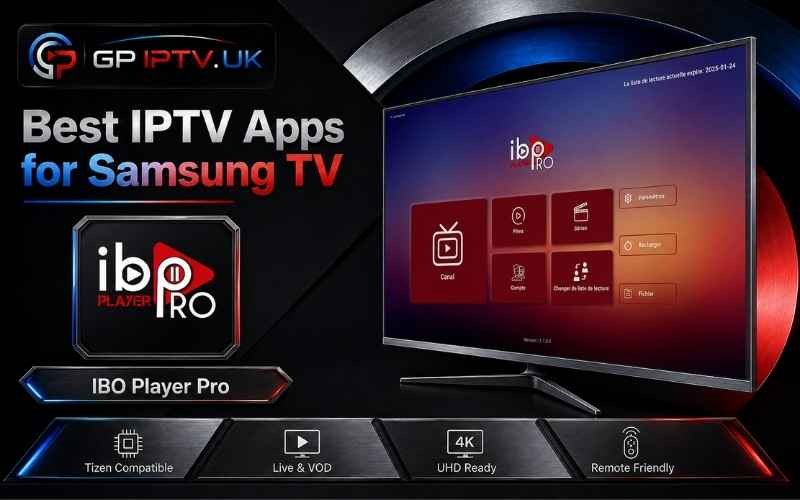
IBO Player Pro is a good option for users who prefer a straightforward interface on their Samsung Smart TV. Samsung currently lists the app in its TV catalog, with support for features such as EPG, subtitles, audio tracks, 4K streaming and favorites. It can also be considered when looking for the best IPTV app for Samsung TV, particularly if ease of navigation is a priority.
The player is designed around IPTV playlists and can be used with compatible M3U and M3U8 sources. Another IBO Pro listing on Samsung also advertises support for M3U, M3U8 and XC playlists.
It comes with a 7-day trial. After this period, the licence costs €10 for lifetime activation or €5 for one year. This gives users the option to choose between a one-time payment and a lower-cost annual licence.
The advantages
- Simple interface.
- M3U/M3U8 playlist support.
- EPG and favorites.
- 7-day trial.
The disadvantages
- Paid activation after the trial.
- Several similarly named IBO applications exist.
- Features can vary between versions.
IPTV Smarters Pro
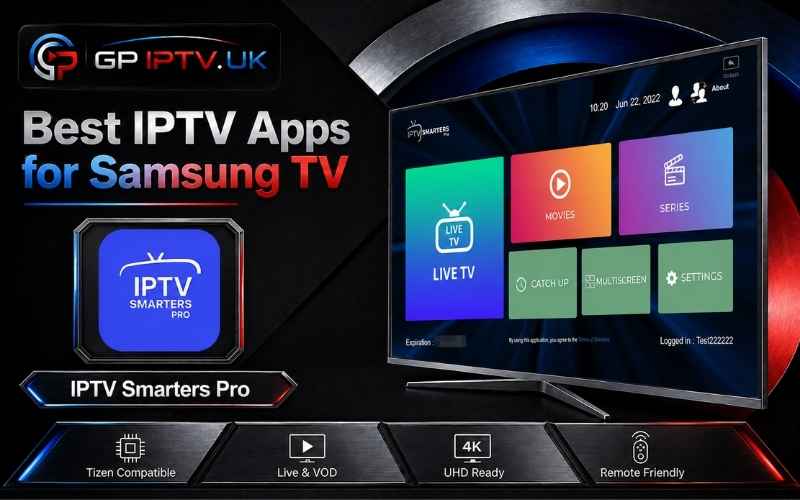
IPTV Smarters Pro follows a streaming-style layout, with dedicated sections for live TV, movies and series. It also includes useful features such as EPG and parental controls, making it easier to navigate and organize your content on the TV.
For users looking for the best free IPTV app for Samsung TV, this player can be an interesting option if you want a completely free solution with an organized interface. It brings different types of content together in one place, while the simple navigation makes it convenient for everyday use. Like other IPTV players, it does not provide channels or subscriptions itself; you need your own compatible IPTV source.
The advantages
- Completely free to use.
- Organized interface for Live TV, movies and series.
- EPG support.
- Parental control features.
The disadvantages
- Features can vary depending on the version.
- Several apps use similar Smarters names.
- Availability may differ between Samsung TV models and regions.
SmartOne IPTV
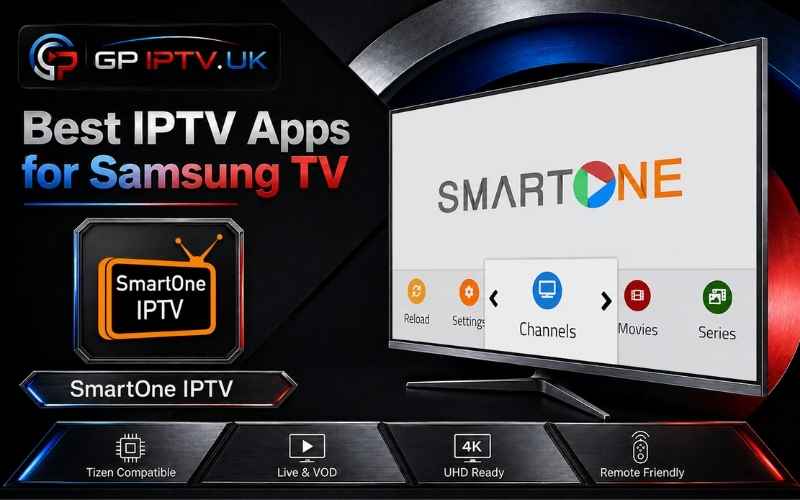
SmartOne IPTV is aimed at users who want more control over how their IPTV content is organized. The developer lists support for Samsung Tizen and Orsay, along with M3U playlists and Xtream Codes-based connections.
The application also includes features such as multiple accounts, favorites, parental control, TV archive and customization options. This makes it particularly interesting for households where IPTV is used regularly or where playlists contain a large amount of content.
The advantages
- M3U and Xtream Codes support.
- Multiple account management.
- Favorites and parental control.
- Several customization options.
The disadvantages
- More settings to configure.
- Some features may be unnecessary for basic IPTV use.
- Licence conditions should be checked before activation.
SS IPTV
SS IPTV takes a more playlist-focused approach. Instead of trying to reproduce the interface of a traditional streaming platform, it concentrates on loading and organizing IPTV sources.
This can suit users who already have their own M3U playlist and want a relatively straightforward way to access it from their Samsung TV. Its main appeal is therefore its playlist management rather than a long list of additional features.
The advantages
- Free solution.
- Focus on playlist management.
- Suitable for M3U sources.
- Simple concept.
The disadvantages
- Fewer advanced features than some competitors.
- Setup can vary depending on the Samsung generation.
- Interface may feel less modern.
Smart IPTV
Smart IPTV, also known as SIPTV, follows a minimalist approach. The idea is to provide a dedicated player for accessing a compatible playlist without surrounding the experience with unnecessary features.
This can be appealing if you want to load your IPTV source and navigate your channels with the Samsung remote. The trade-off is that users looking for extensive customization may prefer another player.
The advantages
- Simple interface.
- Straightforward IPTV playback.
- Designed for Smart TV use.
- Suitable for users who prefer fewer menus.
The disadvantages
- Limited customization compared with some alternatives.
- Activation may be required.
- Availability can depend on the TV model and region.
OTTPlayer
OTTPlayer focuses mainly on playlist management. Its approach can be useful for users who prefer handling their IPTV lists from a web interface instead of entering everything manually with a television remote.
The player is particularly suited to people who manage several playlists and want to keep their sources organized. Its appeal therefore lies more in playlist management than in advanced visual customization.
The advantages
- Free solution.
- Web-based playlist management.
- Supports IPTV playlist formats.
- Useful for organizing multiple sources.
The disadvantages
- Account creation may be required.
- Setup is less immediate than with some players.
- Interface is relatively basic.
How to install an IPTV app on Samsung TV
If the player is available directly through Samsung’s app store, the installation process is usually straightforward.
1. Open the Home menu
Press the Home button on your Samsung remote.
2. Open Apps
Select Apps to access the applications available for your TV.
3. Search for the player
Use the search function and enter the exact name of the IPTV app.
4. Check the app
Look at the application name and developer before installing, particularly when several apps have similar names.
5. Install the application
Open the app’s page and select Install.
6. Launch and configure it
Once installation is complete, open the player and follow its setup instructions.
If the application does not appear, it may not be available for your specific Samsung model, software version or region.
How to set up an IPTV player on Samsung TV
The configuration method depends on the application and the type of IPTV source you have.
Using an M3U playlist
Some IPTV players allow you to enter an M3U or M3U8 URL directly, while others use a separate web portal to associate the playlist with your television.
The exact process depends on the application, so follow the instructions provided by its developer.
Using Xtream Codes
Players that support Xtream Codes generally require three pieces of information:
- Server URL
- Username
- Password
SmartOne, for example, officially advertises Xtream Codes API support for Samsung TVs.
This method can be easier to configure than entering a long M3U URL with a remote control.
What if the IPTV app is not available on Samsung TV?
Not seeing a particular player in Samsung Apps does not necessarily indicate a problem with your television.
Application availability can vary depending on the TV model, software and region. Samsung’s own app listings also provide device compatibility information for individual applications.
Before looking for another installation method, check that:
- Your TV is connected to the Internet.
- The television software is up to date.
- You searched for the exact application name.
- The app is available in your region.
- Your Samsung model is supported.
For older televisions, compatibility can be more restrictive than on newer Tizen models.
Conclusion
The best IPTV app for Samsung TV is not necessarily the one with the longest feature list. For everyday use, a clean interface, reliable playlist support and an easy setup can matter more than having every possible option.
IBO Player Pro is a solid choice for simplicity, IPTV Smarters Pro focuses on organizing different types of content, and SmartOne IPTV offers more room for customization. SS IPTV, Smart IPTV and OTTPlayer take more focused approaches, particularly around playlist playback and management.
| Application | Main setup | Free / Trial | Best suited for |
|---|---|---|---|
| IBO Player Pro | M3U / M3U8 | 7-day trial | Simplicity |
| IPTV Smarters Pro | IPTV credentials / supported playlists | 7-day trial on listed version | Live TV, VOD and series |
| SmartOne IPTV | M3U / Xtream Codes | Check current licence | Customization |
| SS IPTV | M3U | Free | Playlist management |
| Smart IPTV | User playlist | Trial / activation | Minimal interface |
| OTTPlayer | M3U / M3U8 | Free | Web-based playlist management |
FAQ
What is the best IPTV app for Samsung TV?
There is no single choice that works best for everyone. IBO Player Pro focuses on simplicity, IPTV Smarters Pro on content organization, while SmartOne offers a broader set of management and customization features.
Can I install an IPTV app directly on a Samsung Smart TV?
Yes, if the application is available in the Samsung Apps catalogue for your television. The exact availability depends on the model, software version and region.
Which IPTV player supports M3U playlists?
Several players support M3U or M3U8 playlists, including IBO Player Pro, SmartOne IPTV and OTTPlayer. Always check the specifications of the exact version available on your TV.
Which IPTV app supports Xtream Codes?
SmartOne IPTV officially supports Xtream Codes-based connections on Samsung TVs. Some Smarters applications also support Xtream Codes, but the exact features depend on the version and developer.
Why can’t I find an IPTV app on my Samsung TV?
The application may not be available for your particular model, software version or region. Samsung’s app catalogue is not identical across all televisions.
Do IPTV players provide TV channels?
No. An IPTV player is designed to play a compatible IPTV source. It does not automatically provide channels, movies or an IPTV subscription. Samsung’s IBO Player listing, for example, explicitly states that no channels are included with the application.