
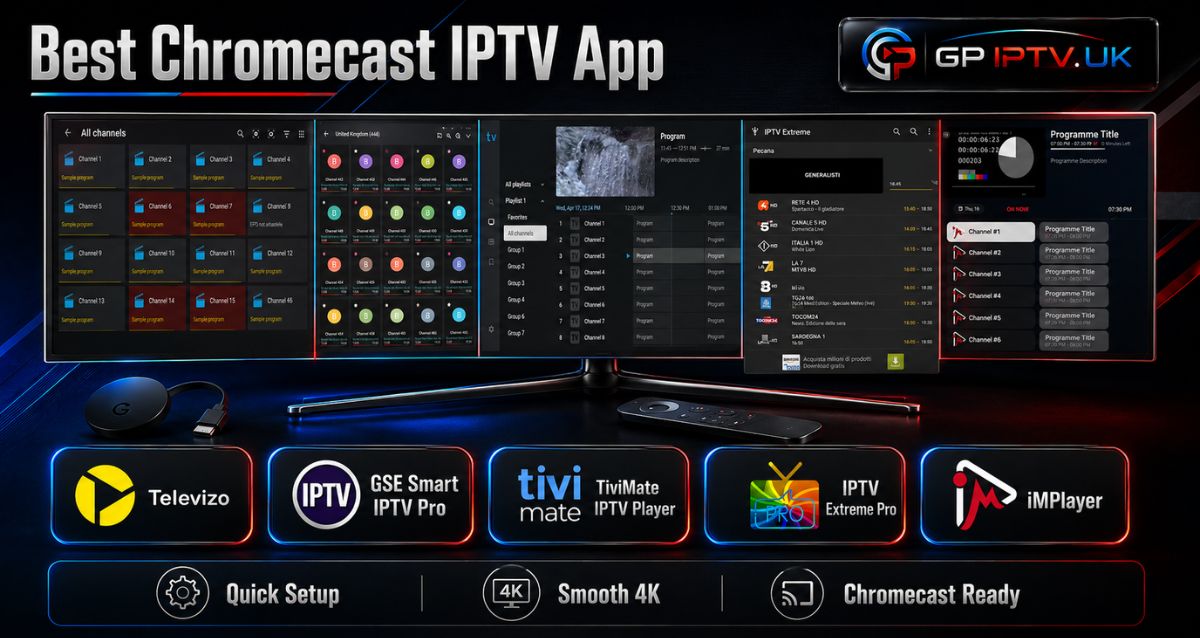
Finding the best Chromecast IPTV app can be harder than it looks. There are plenty of players available, but they do not all work the same way or offer the same features.
Some focus on simplicity, others give you more control over playlists, recording, VOD, or the TV guide. We tested the most relevant options from different angles so you can see what each one is actually good at.
Table of Contents
What should you check before choosing an IPTV app?
Before installing an application, take a moment to check whether it really matches your setup.
The first thing to look at is device compatibility. There is an important difference between a Chromecast used only for casting from a phone and a Chromecast with Google TV, which can run Android TV applications directly.
You should also check which playlist formats are supported, whether the player offers the features you need, and how much the Premium version costs. Some apps use a one-time payment, while others offer yearly or lifetime plans.
Finally, think about how you actually watch TV. If you only need live channels, you may not need recording, cloud management or advanced EPG options. Paying for features you never use does not make much sense.
Our 5 picks for The Best Chromecast IPTV App users
Rather than ranking applications only by the number of features they offer, we looked at what makes each one useful in real-world situations.
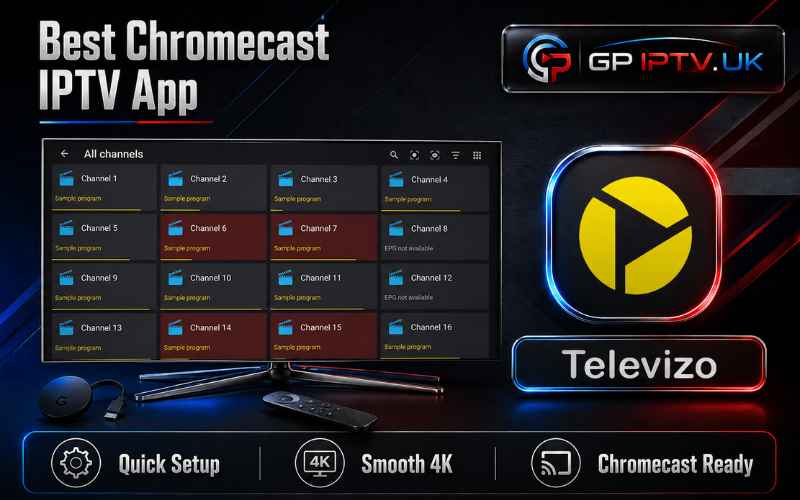
Televizo
Televizo is a good starting point if you want something relatively straightforward. It is designed for Android phones, tablets and TVs, and its main purpose is to play the playlists you provide yourself.
The free version gives you access to the basic player, while Premium removes advertising and unlocks additional tools. These include automatic full-screen playback, backup and restore, and parental controls.
One useful point is the one-hour Premium trial, which lets you test the paid features before making a purchase. Premium is a one-time purchase rather than a recurring subscription, and the same account can be used on up to five devices.
If you are looking for an IPTV app for Chromecast, make sure your particular Chromecast setup supports the Android TV version you intend to use.
Pros
- Simple approach
- One-hour Premium trial
- One-time Premium purchase
- Removes advertisements
- Backup and restore
- Parental controls
- Automatic full-screen option
- Can be used on up to five devices with one Premium account
Cons
- Advanced features require Premium
- The free version contains advertisements
- It does not provide channels or playlists
- Compatibility depends on the Chromecast setup being used
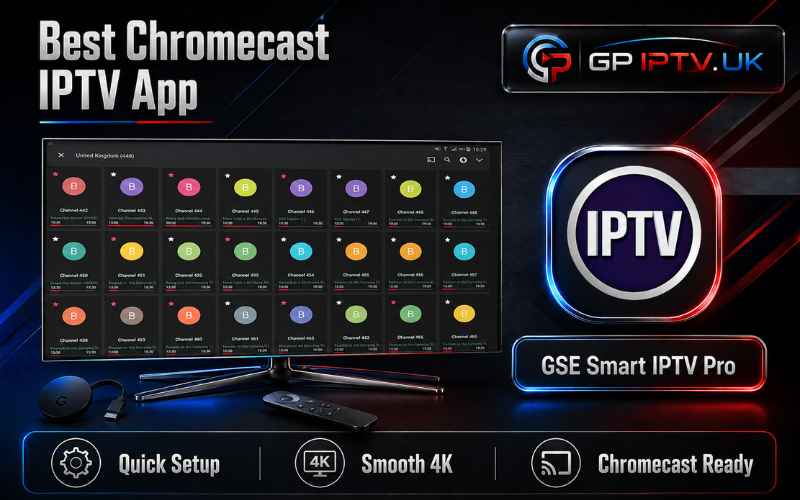
GSE Smart IPTV Pro
GSE Smart IPTV Pro is worth considering if price is one of your main concerns. The application uses a one-time purchase model and supports common playlist methods such as M3U and Xtream Codes.
It also brings several features into one player, including VOD, replay, EPG, subtitles and parental controls. This makes it more versatile than a basic playlist reader.
For users who want an IPTV player Chromecast setup with casting support, GSE Smart IPTV Pro is an interesting option because Google Cast is part of its feature set.
Another advantage is its support for older Android versions, which can be useful if you are working with an older compatible device.
Pros
- Low one-time cost
- No recurring subscription
- M3U and Xtream Codes support
- VOD and replay
- EPG support
- Multiple subtitle options
- Parental controls
- Google Cast support
- Works with older Android versions
Cons
- Interface may take some time to understand
- The number of settings can feel overwhelming for beginners
- No channels are included
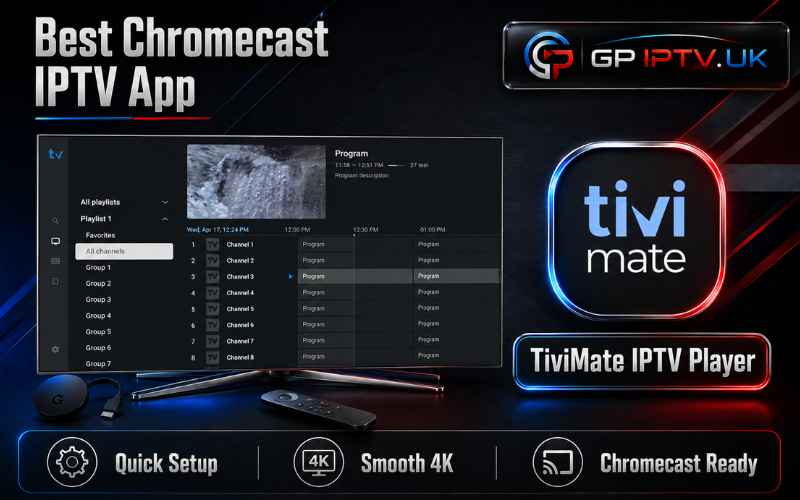
TiviMate IPTV Player
TiviMate IPTV Player takes a more TV-focused approach. Its interface is designed around navigation with a remote, making it particularly suited to Android TV devices rather than touchscreens. The developer specifically states that it is intended for Android TV and is not optimized for phones and tablets.
Its strength is organization. You can manage multiple playlists, save favorite channels, search for programs, use catch-up where supported, record programs and use multiview. It also supports M3U, Xtream Codes and Stalker Portal playlists.
TiviMate is therefore an interesting choice for IPTV Chromecast users who have a Chromecast with Google TV and want a player designed around a television interface rather than a mobile screen.
The application does not provide any channels or streams. You need to add your own playlists, and the developer makes clear that paid plans unlock application features only.
TiviMate currently offers both lifetime and auto-renewing subscription options, with the available plans and prices displayed at the point of purchase.
Pros
- Designed for Android TV
- Multiple playlist management
- M3U, Xtream Codes and Stalker Portal support
- Favorites
- Search function
- Catch-up
- Recording
- Multiview
- Parental controls
- Customizable interface
Cons
- Not designed for phones and tablets
- Advanced features require Premium
- Pricing depends on the plan available at purchase
- Does not include IPTV content
IPTV Extreme Pro
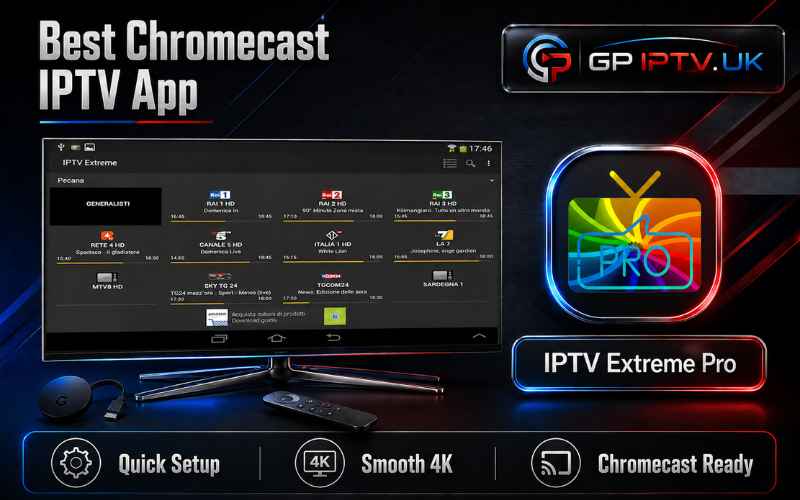
IPTV Extreme Pro is one of the most affordable choices in this selection. The Google Play listing currently shows the Pro version at $0.99, although the exact price displayed can vary by region.
The application works as a playlist manager with an integrated player. It supports M3U playlists and offers Chromecast support, parental controls, backup and restore, multiple EPG sources and automatic EPG updates.
There are also more advanced tools, including VOD downloads, limited live-stream recording, scheduled recordings, timers and more than 10 themes.
The Pro version mainly adds an ad-free experience. The application itself does not provide channels or playlists, so you need to supply your own legal content.
Pros
- Very low one-time price
- No recurring subscription
- Chromecast support
- M3U support
- Backup and restore
- Automatic EPG updates
- VOD downloads
- Limited live recording
- More than 10 themes
- Parental controls
Cons
- Live recording has a time limit
- Some features may feel excessive for basic users
- Interface can take time to get used to
- No content is included
iMPlayer
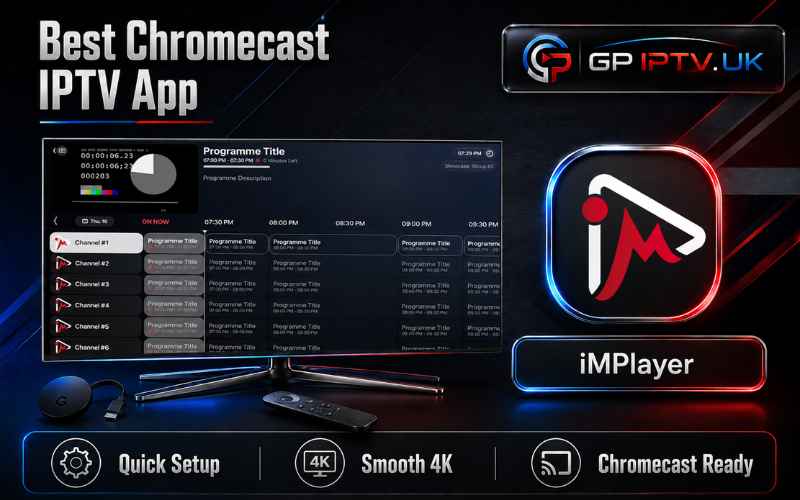
iMPlayer is the option to look at if you want a more complete media player with advanced tools. It supports M3U playlists and offers live TV, VOD, catch-up, recording, downloads and full EPG browsing.
The application also includes cloud management, allowing users to manage playlists and settings through an online dashboard. Device synchronization, interface customization, reminders and multiview are among the additional features available with Premium.
The current official pricing lists $20 per year or a $35 one-time lifetime activation. A 24-hour trial is available after registration.
iMPlayer is available on Android TV as well as Android phones and tablets, making it a flexible option for users who want to manage their setup across several devices.
Pros
- Live TV and VOD support
- Catch-up
- Recording
- Downloads
- Full EPG
- Cloud management
- Device synchronization
- Multiview
- Advanced customization
- Yearly and lifetime Premium options
Cons
- More expensive than the cheapest players
- Advanced features can be unnecessary for basic users
- Premium features require an account
- No channels or playlists are provided
Which player should you choose?
There is no universal winner here. The right choice depends on what you expect from your player.
If you want to keep the cost low, IPTV Extreme Pro and GSE Smart IPTV Pro are worth considering. Televizo is a better fit if you prefer a straightforward experience, while TiviMate is particularly interesting for Android TV users who want better playlist and channel organization.
For people who want the largest selection of advanced tools, iMPlayer stands out with features such as cloud management, recording, downloads and synchronization.
The important thing is not to choose an application simply because it has the longest feature list. Choose the one that gives you the tools you will actually use.
Conclusion
Choosing the best Chromecast IPTV app doesn’t have to be complicated. Focus on what really matters to you: price, simplicity, compatibility and useful features.
Take a few minutes to compare the options, test the one that seems closest to your needs, and you’ll quickly know which player deserves a place on your TV.
| App | Price | Trial | Playlist support | Main strengths | Best for |
|---|---|---|---|---|---|
| Televizo | One-time Premium | 1 hour | User playlists | Simple interface, backup, parental controls | Beginners |
| GSE Smart IPTV Pro | One-time purchase | — | M3U, Xtream Codes | Low price, VOD, EPG, Cast | Budget users |
| TiviMate | Subscription / lifetime options | — | M3U, Xtream Codes, Stalker Portal | Playlists, recording, multiview | Android TV users |
| IPTV Extreme Pro | $0.99 currently | — | M3U | Very low price, EPG, themes | Users on a budget |
| iMPlayer | $20/year or $35 lifetime | 24 hours | M3U and supported formats | Cloud, recording, VOD, synchronization | Advanced users |
FAQ
Can I use IPTV on a regular Chromecast without Google TV?
It depends on the application. A standard Chromecast generally receives content from another device rather than running Android TV applications itself. With Chromecast with Google TV, you can install compatible apps directly on the device.
Why does my IPTV app work on my phone but not on my Chromecast?
A phone and a Chromecast do not necessarily use the same playback method. The application may work perfectly on Android but lack native casting support, or the particular video format may not be handled correctly during casting.
Why is my Chromecast IPTV stream buffering?
Buffering can have several causes, including Wi-Fi congestion, an unstable connection, the quality of the video stream or the source itself. Try another channel or video first. If only one stream buffers, the problem may not be your Chromecast.
Do IPTV players include channels?
No. The applications covered here are players, not IPTV providers. Televizo, iMPlayer and TiviMate explicitly state that they do not supply playlists or audiovisual content.
What is the difference between Chromecast and Chromecast with Google TV for IPTV?
The main difference is how applications are used. A traditional Chromecast is primarily designed to receive content cast from another device, while Chromecast with Google TV runs a TV operating system and can install compatible Android TV applications directly.