
Finding an IPTV player is easy, but choosing one that works smoothly across different devices can be more difficult. Interface design, playlist support and setup options all influence the everyday viewing experience.
In this IPTV Smarters Pro review, we examine how the app works, what it does well and where it falls short. We also cover installation, playlist configuration, common connection issues and suitable alternatives to help you decide whether it meets your needs.
What Is IPTV Smarters Pro and How Does It Work?
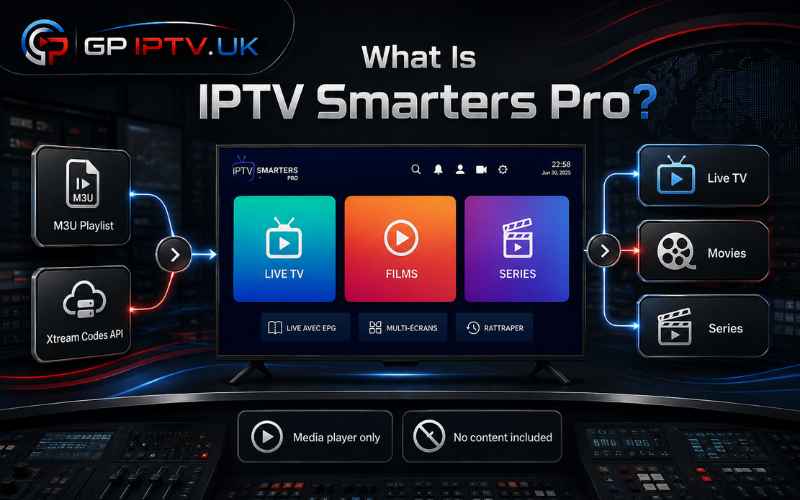
IPTV Smarters Pro is a media player designed to display content from an existing IPTV service. Users can connect their account through the Xtream Codes API or import an M3U playlist provided by their service operator.
The app does not include live TV channels, movies or series of its own. Once valid login details are added, it organises the available content into categories such as Live TV, Movies and Series for easier navigation.
IPTV Smarters Pro Review: Our Hands-On Experience
Our IPTV Smarters Pro review found the app straightforward from the first setup. Its dashboard separates live channels, movies and series clearly, allowing new users to locate content without navigating through complicated menus.
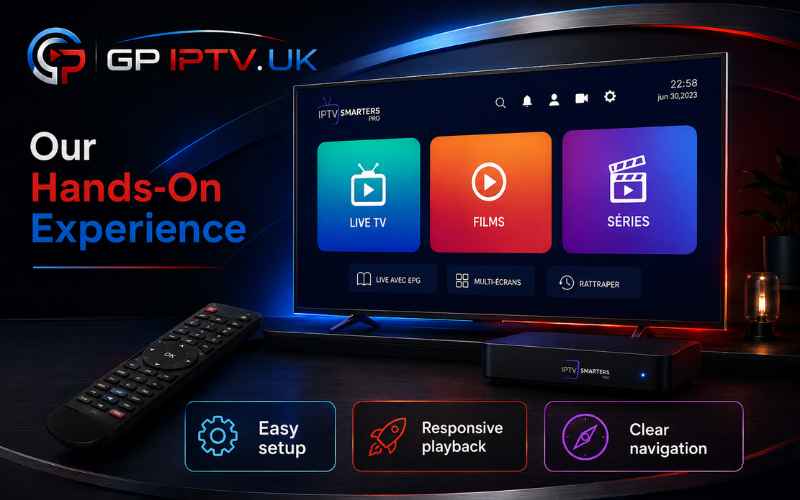
Playback was responsive during our test, while playlist loading remained simple with compatible login details. However, overall streaming quality still depends on the IPTV service, internet connection and performance of the device being used. For users watching on a computer, IPTV players for Windows offer another way to use this type of application, while IPTV apps for Samsung Smart TVs are better suited to viewing directly on a television.
Key Advantages of IPTV Smarters Pro
IPTV Smarters Pro combines live TV, video on demand and multiple playlists within a single dashboard. Its organised layout works well with both touchscreens and TV remote controls, making the app accessible across different devices.
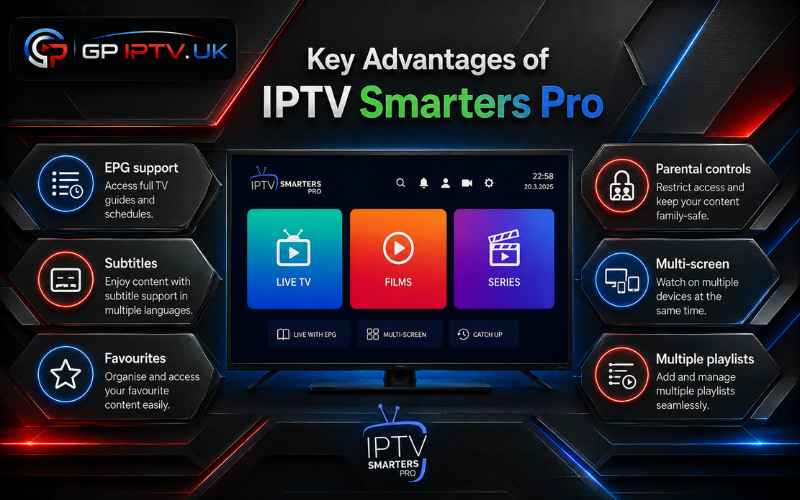
Useful features include EPG support, subtitles, favourites, parental controls and external player integration. Depending on the app version and IPTV provider, users may also access Catch-Up TV, multi-screen viewing and resume playback.
Disadvantages to Consider Before Installing
The Android version may require manual installation through an APK file, which is less convenient than downloading an app directly from an official store. Similar names and unofficial copies can also make it difficult to identify the correct version.
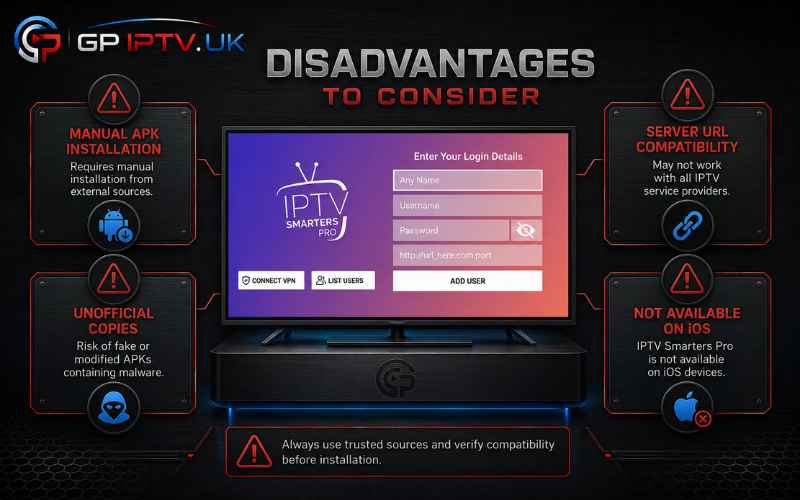
Some Xtream Codes server URLs may not connect properly, even when the login details are valid. Large playlists can also increase loading times, particularly on older devices with limited memory or storage. This version is not available for iOS devices.
What Do Users Say About IPTV Smarters Pro?
Positive feedback often focuses on the clean interface, simple playlist management and quick access to live channels and on-demand content. Many users also value having EPG, favourites and parental controls in one IPTV player.
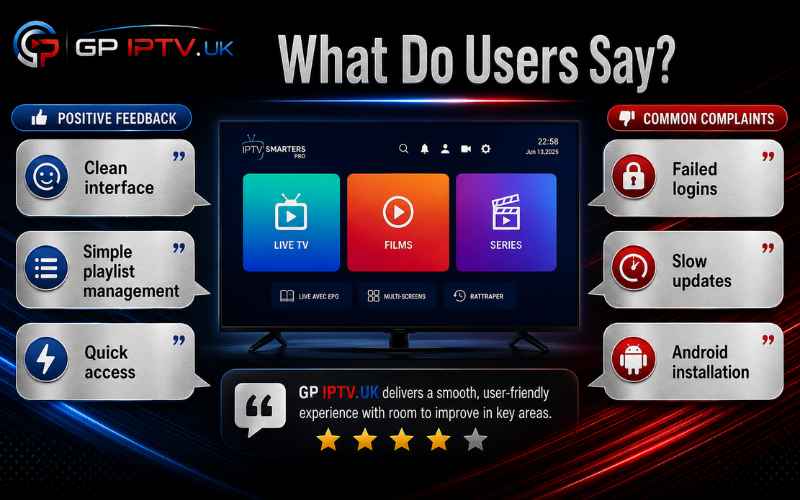
The most common complaints involve failed logins, slow playlist updates and installation difficulties on Android. The app does not always cause these issues, as server availability, incorrect credentials and device performance can also affect the experience.
How to Install IPTV Smarters Pro on Different Devices
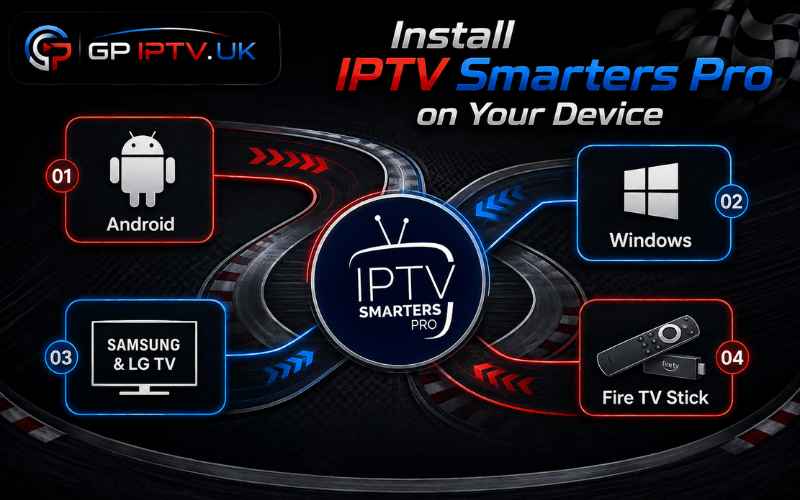
The installation process depends on the operating system. Android devices require the APK package, while Windows computers and compatible smart TVs follow a different setup method.
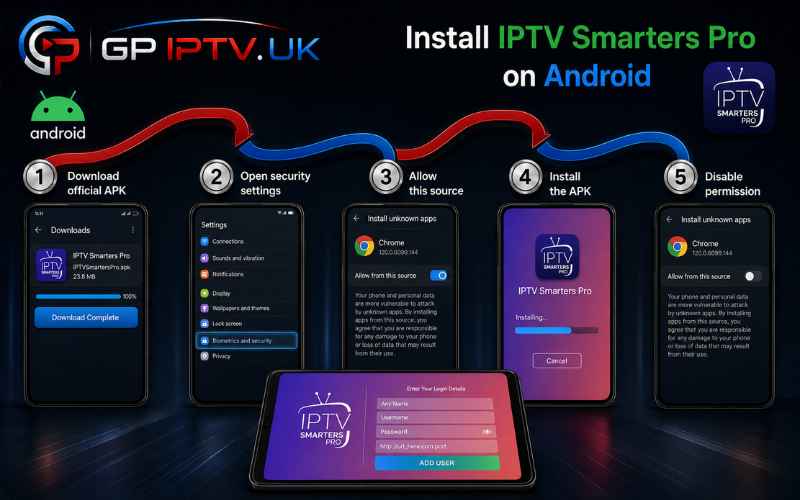
Installing IPTV Smarters Pro on Android
- Download the official IPTV Smarters Pro APK file.
- Open the Android security settings for your browser or file manager.
- Temporarily allow installation from unknown sources.
- Locate the downloaded APK and select Install.
- Open the app, then disable the installation permission for added security.
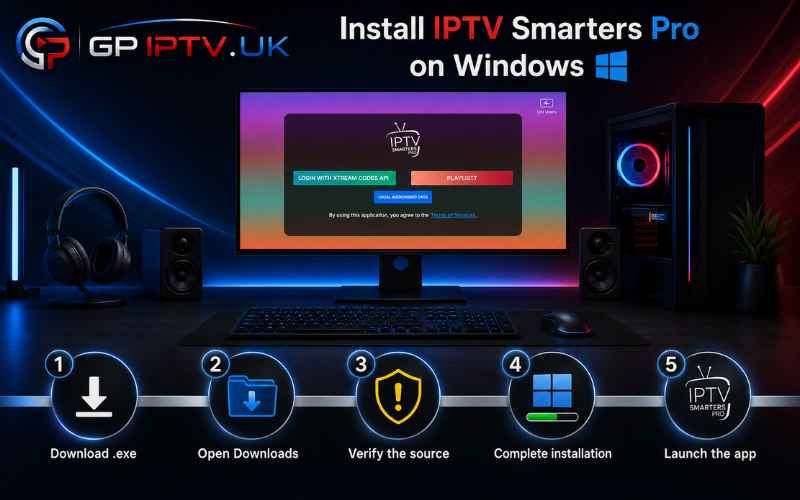
Installing IPTV Smarters Pro on Windows
- Download the Windows installation file in .exe format.
- Open the file from the Downloads folder.
- Confirm that the installer comes from a trusted source if Windows displays a security warning.
- Follow the on-screen instructions to complete the setup.
- Launch IPTV Smarters Pro from the desktop or Start menu.
Installing IPTV Smarters Pro on Samsung and LG Smart TVs
- Open Samsung Apps or the LG Content Store on your television.
- Search for IPTV Smarters Pro using the on-screen keyboard.
- Check the app name and icon carefully before downloading it.
- Select Install and wait for the process to finish.
- Launch the IPTV player and prepare your subscription credentials for setup.
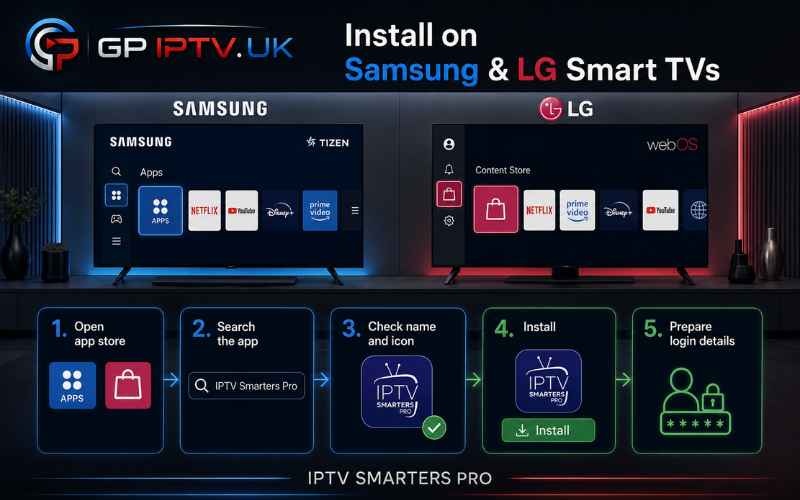
Availability may vary depending on the TV model, manufacturing year and country selected in the app store.
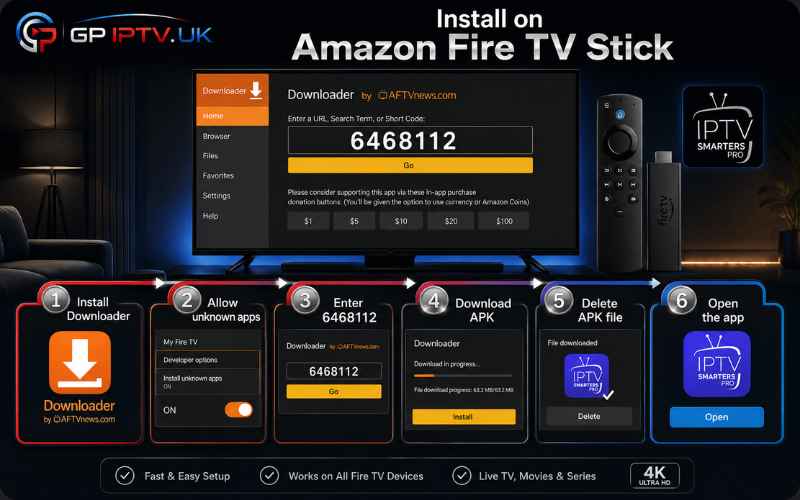
Installing IPTV Smarters Pro on Amazon Fire TV Stick
- Download the Downloader app from the Amazon Appstore.
- Allow Downloader to install apps from unknown sources in the Fire TV settings.
- Open Downloader and enter the code 6468112.
- Download the IPTV Smarters Pro APK, then select Install.
- Delete the APK file after installation to free up storage space.
- Open IPTV Smarters Pro from Your Apps & Channels.
How to Set Up an IPTV Subscription on IPTV Smarters Pro
Before starting, keep the username, password and server URL supplied with your subscription ready. Make sure each detail is copied exactly, as a missing character or extra space may prevent the account from connecting.
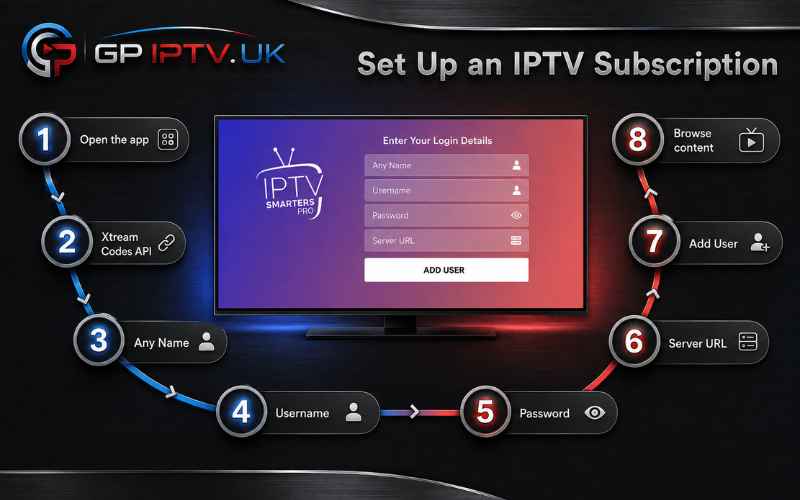
- Open IPTV Smarters Pro on your device.
- Select Login with Xtream Codes API.
- Enter a profile name in the Any Name field.
- Add the provided Username and Password.
- Paste the complete address into the Server URL.
- Review the details, then select Add User.
- Wait for the live channels, movies and series to load.
- Choose a category to begin browsing the available content.
How to Fix IPTV Smarters Pro Connection Problems
If IPTV Smarters Pro cannot load a playlist, the issue may come from the login details, server or device rather than the media player itself. Try the following checks:
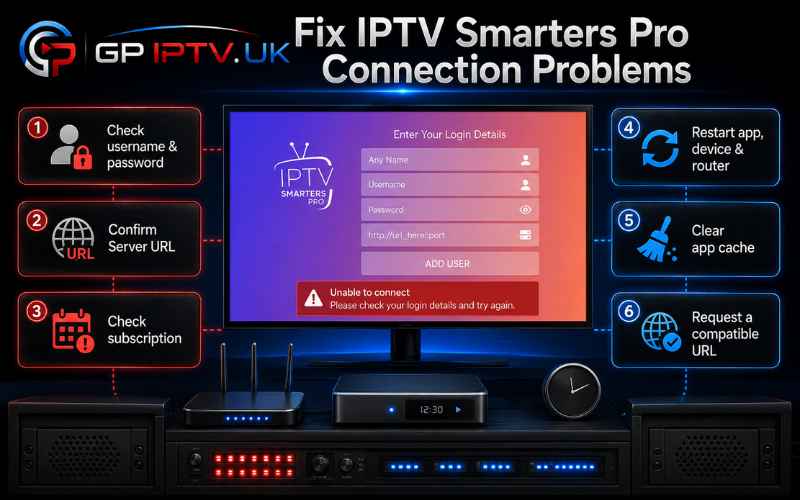
- Re-enter the username and password without spaces.
- Confirm that the server URL is complete and correctly formatted.
- Check whether the IPTV subscription is still active.
- Restart the app, device and internet router.
- Clear the application cache and reload the playlist.
- Ask the service provider for a compatible URL if the problem continues.
Is IPTV Smarters Pro Legal to Use?
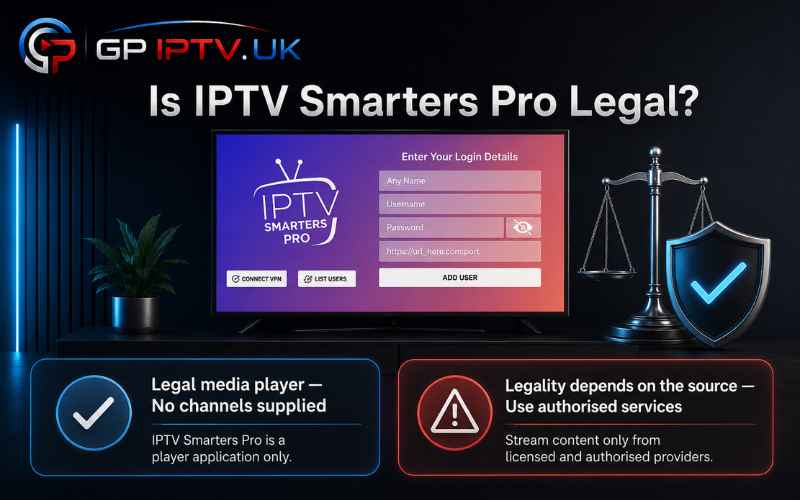
Yes, IPTV Smarters Pro is a legal media player because it does not host, sell or supply television channels and on-demand content. Its purpose is to play streams and playlists added by the user.
Legality therefore depends on the source of those streams. The app should only be connected to a service that has permission to distribute its channels, movies and series in the user’s country.
Best Alternatives to IPTV Smarters Pro
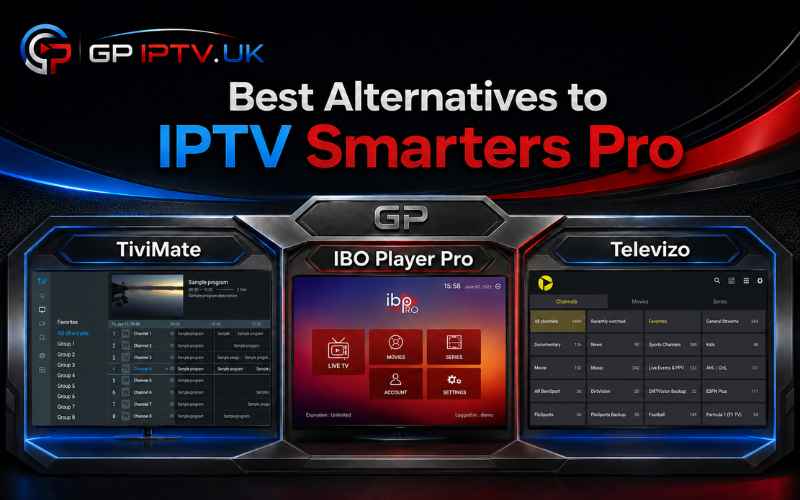
TiviMate is a strong option for Android TV users who want a polished interface and detailed playlist controls. IBO Player Pro is better suited to viewers looking for a straightforward player on compatible Samsung and LG smart TVs.
For Android phones, tablets and Fire TV devices, Televizo provides a simpler layout with support for common playlist formats. The right alternative depends on device compatibility, setup method and the features required.
Conclusion
Based on our IPTV Smarters Pro review, the app remains a practical choice for users who want a clear interface, flexible playlist support and useful viewing controls. It brings live TV, movies and series together without making everyday navigation unnecessarily complicated.
Manual APK installation and occasional login compatibility issues may require extra effort. However, when paired with a stable, authorised service and a suitable device, IPTV Smarters Pro delivers a convenient and well-organised viewing experience.
Frequently Asked Questions
Is IPTV Smarters Pro free to use?
The app includes essential playback and playlist features for free. Some versions may require payment to unlock premium tools such as multi-screen viewing.
Does IPTV Smarters Pro include TV channels?
No. IPTV Smarters Pro is only a media player. Users must add their own authorised M3U playlist or Xtream Codes login details.
Do I need a VPN for IPTV Smarters Pro?
A VPN is not required for the app to work. Some users choose one for privacy, but it does not make unauthorised content legal or fix a poor-quality IPTV server.
Can IPTV Smarters Pro manage multiple playlists?
Yes, compatible versions allow users to add and organise more than one playlist. However, simultaneous streaming depends on the number of connections included with the external subscription.