
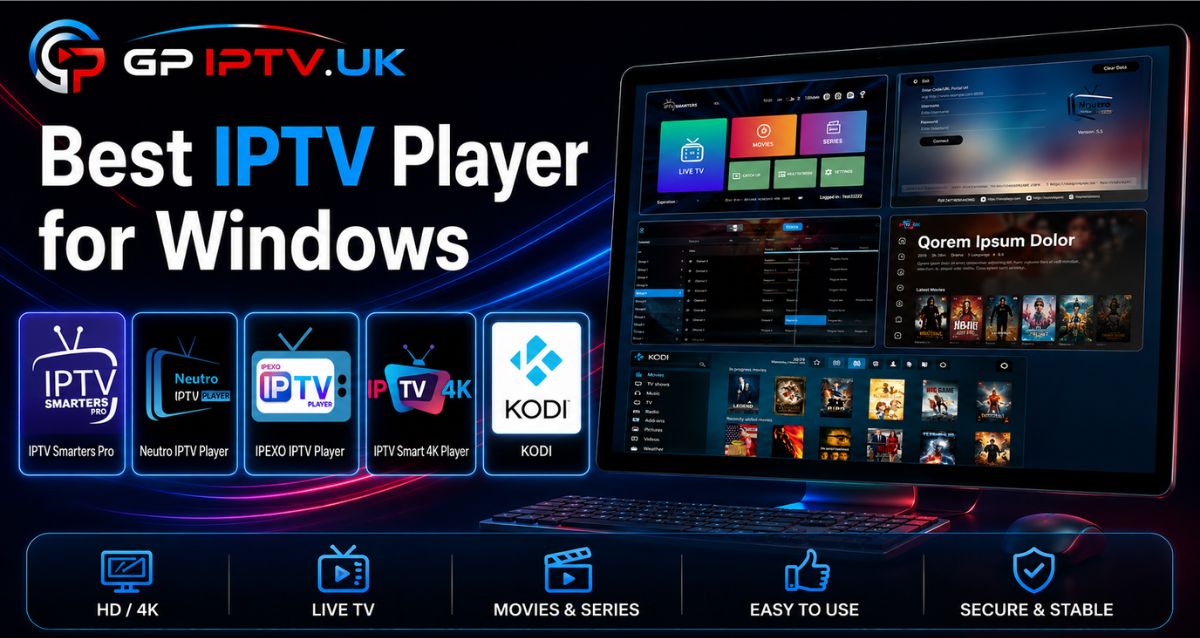
Finding the best IPTV player for Windows can completely change your streaming experience—or make it frustrating from the very first minutes. The wrong player can lead to buffering, complicated setup, playback issues, or limited features.
To help you avoid these problems, we compared some of the most popular IPTV players for Windows and selected the options that are genuinely worth considering. You’ll discover their main features and differences, making it easier to choose the right solution for your streaming needs.
Table of Contents
How to Choose the Best IPTV Player for Windows?
Most IPTV players may look similar at first glance, but the differences become much clearer once you start using them. Some support only a limited range of formats, while others may experience slowdowns or become inconvenient for everyday streaming. Taking a few minutes to compare their features can save you from unnecessary frustration later.
Before downloading an IPTV app for Windows, here are the main points to check:
- Compatibility: Make sure the software works properly with your version of Windows, including Windows 10 and Windows 11.
- Supported formats: Look for a player that supports M3U playlists, Xtream Codes, and an Electronic Program Guide (EPG) when available.
- Stability: Choose software that receives regular updates, as ongoing maintenance can help improve reliability and compatibility.
- Features: Options such as favorites, multiple playlist management, parental controls, and resume playback can make everyday use much easier.
- Performance: A good IPTV player for PC should handle HD and 4K streams smoothly, provided your internet connection and computer hardware support them.
Keeping these criteria in mind makes it easier to identify the best Windows IPTV player for your needs rather than choosing an application based only on its appearance or popularity.
Note: you may need an IPTV subscription.
Comparison of the Best IPTV Players for Windows
To save you time, we compared some of the most popular IPTV players for PC. We selected the options that offer the best balance of features, compatibility, ease of use, and reliability.
IPTV Smarters Pro
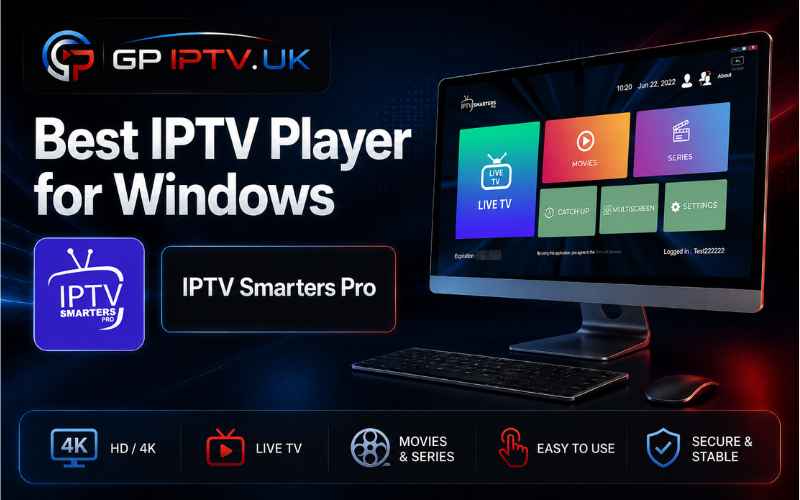
IPTV Smarters Pro is a popular choice for Windows users who want to manage one or more IPTV services from a single interface. The application is available at no cost and supports M3U playlists, Xtream Codes credentials, and local media files, enabling you to organize multiple sources without switching between separate applications. If you also use an Amazon Fire Stick, you can explore our guide to the best IPTV app for Fire Stick to find suitable options for your device.
It can handle live television, movies, series, and VOD content, while additional tools such as an EPG, favorites, parental controls, subtitles, and automatic playback resume make everyday viewing more convenient. Its multi-account support can also be useful for users managing several IPTV services.
Advantages
- ✅ Completely free to use
- ✅ Supports M3U, Xtream Codes, and local files
- ✅ Multiple IPTV account management
- ✅ EPG, favorites, and parental controls included
Disadvantages
- ❌ Connection issues may occasionally occur with Xtream Codes
- ❌ Interface feels less modern than some newer alternatives
Neutro IPTV Player
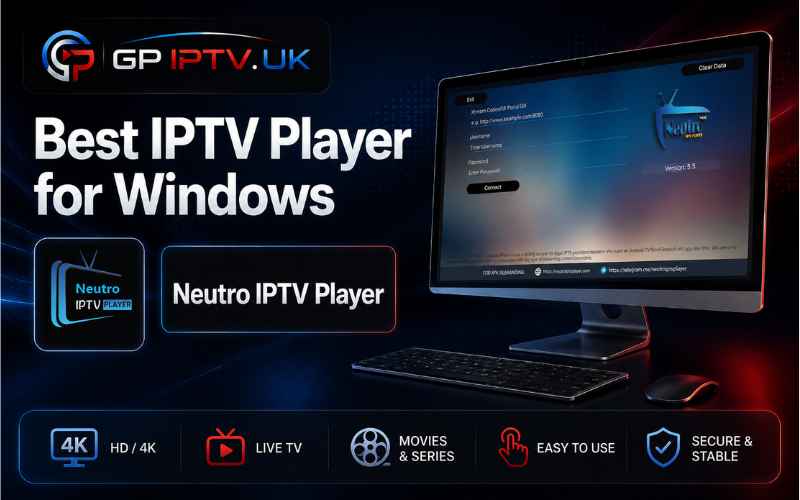
Neutro IPTV Player is a practical option for anyone seeking the best IPTV player on Windows. It provides a convenient way to manage and watch IPTV content on a computer, with support for M3U playlists, Xtream Codes/XUI credentials, and EPG data. Its modern interface also makes browsing through available content simple and intuitive.
A free edition is available, although it is restricted to a single playlist. To remove this limitation and access the complete range of features, users can upgrade to the Pro version for €25.49.
Advantages
- ✅ Free edition available
- ✅ Supports M3U, Xtream Codes/XUI, and EPG data
- ✅ Modern and customizable interface
- ✅ Compatible with VLC and Exo Player
Disadvantages
- ❌ Free edition limited to one playlist
- ❌ Pro version required to unlock all features
IPEXO IPTV Player
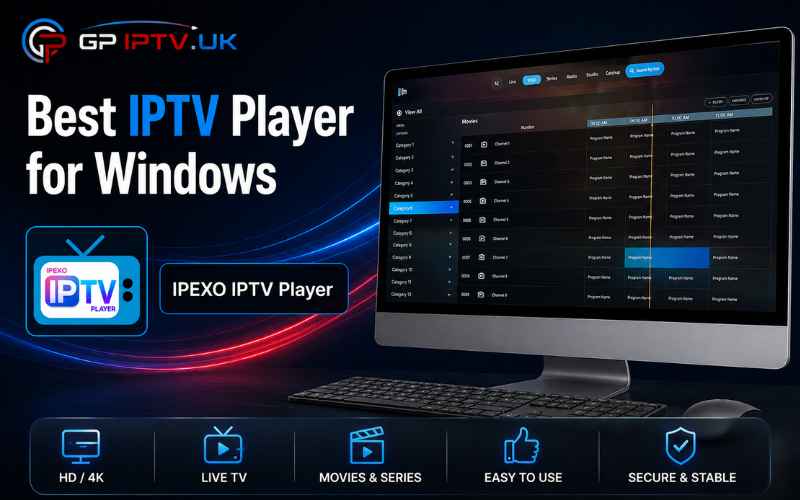
IPEXO IPTV Player is built for users who want a more convenient way to manage their television content on a computer. It supports M3U and M3U8 files, as well as Xtream Codes (XC/XUI) portals, allowing viewers to access live channels, movies, and series through a structured interface.
The software also includes useful viewing tools such as an Electronic Program Guide, playback resume, universal search, Picture-in-Picture (PiP), and parental controls. Another practical feature is the ability to add a playlist remotely via the official website, rather than entering the details directly on the computer.
As with other media players of this type, IPEXO IPTV Player does not supply television channels, movies, or series itself. Users must provide their own legitimate IPTV subscription or playlist.
Advantages
- ✅ Supports M3U/M3U8 files and Xtream Codes (XC/XUI)
- ✅ Remote playlist setup through the official website
- ✅ EPG, parental controls, and Picture-in-Picture mode
- ✅ Automatic resume playback
Disadvantages
- ❌ No IPTV content included
- ❌ Some advanced features require application activation
IPTV Smart 4K Player
IPTV Smart 4K Player is designed for Windows users who want a straightforward way to access their television playlists and on-demand content. It supports M3U playlists and Xtream Codes (XC), with playback available in HD, Full HD, and 4K. Support for modern video codecs also helps the application handle a wide range of media files and streams.
The software comes with a 7-day free trial, giving users time to test its features before committing. After the trial ends, a lifetime license is available for $9.99. Like other desktop-based players, it does not include television channels or video content, so users need to provide their own playlist or IPTV subscription.
Advantages
- ✅ 7-day free trial
- ✅ Supports M3U playlists and Xtream Codes
- ✅ HD, Full HD, and 4K playback
- ✅ Parental controls and multilingual support
Disadvantages
- ❌ Paid activation required after the trial
- ❌ No IPTV content included
Kodi
Kodi remains a strong choice for users seeking an IPTV player on Windows 11, especially if customization is a priority. More than a traditional media application, this open-source platform works as a complete multimedia center. By installing the official PVR IPTV Simple Client add-on, users can load M3U playlists and access an electronic program guide for their IPTV content.
Kodi supports Windows 7, 8, 10, and 11, while its extensive library of add-ons allows users to tailor the software to their preferences. For those who use IPTV across different devices, the experience can also vary considerably between Windows and IPTV apps for Android, particularly in terms of interface, controls, and setup. The initial configuration can take more time than with a typical Windows application, particularly for beginners, but the additional flexibility makes it an interesting option for experienced users.
Advantages
- ✅ Free and open source
- ✅ Compatible with Windows 7, 8, 10, and 11
- ✅ Supports M3U playlists and EPG
- ✅ Extensive selection of add-ons
Disadvantages
- ❌ Setup can be more complicated for beginners
- ❌ PVR IPTV Simple Client is required for IPTV functionality
Conclusion
The right player can make IPTV viewing much smoother on Windows. Each option in this comparison suits different needs, from simple free solutions to more customizable setups. Ultimately, the best IPTV player for Windows depends on your preferences and viewing habits.
| IPTV Player | Price | M3U / M3U8 | Xtream Codes | EPG | 4K | Key Feature |
|---|---|---|---|---|---|---|
| Neutro IPTV Player | Free / €25.49 Pro | ✅ | ✅ | ✅ | — | Customizable interface |
| IPEXO IPTV Player | Free / Activation | ✅ | ✅ | ✅ | — | Remote playlist setup |
| IPTV Smart 4K Player | 7-day trial / $9.99 lifetime | ✅ | ✅ | — | ✅ | 4K playback |
| IPTV Smarters Pro | Free | ✅ | ✅ | ✅ | — | Multiple account management |
| Kodi | Free | ✅ | — | ✅ | — | Open-source & add-ons |
FAQ
What is the best IPTV player for Windows 11?
The best option depends on the features you need, such as playlist management, EPG support, playback controls, and ease of use. The comparison above can help you choose a suitable player based on your Windows setup and viewing habits.
Can I use an IPTV player on Windows 10?
Yes. Several players are available for Windows 10, though compatibility can vary by application. Always check the software requirements before installing a player for Windows solution.
Can I use Xtream Codes with a Windows IPTV player?
Yes. Several applications support Xtream Codes credentials, allowing users to connect their IPTV service without manually importing a complete playlist. The available features can vary from one application to another.
Is there a free IPTV player for Windows?
Yes. Some of the applications covered in this guide offer free versions or are completely free to use. However, free software does not necessarily include IPTV channels or other content, so you may still need your own legitimate subscription or playlist.
Which IPTV player is best for 4K streaming on Windows?
A suitable player should support high-resolution playback while your computer and internet connection meet the required performance levels. Among the options compared above, IPTV Smart 4K Player specifically supports HD, Full HD, and 4K playback.